Make everyday energy use easier to manage
Energy automation uses compatible thermostats, smart plugs, lighting controls, occupancy sensors, monitoring tools, and routines to support more intentional household habits.
As an Amazon Associate I earn from qualifying purchases.
What is energy automation?
It is the use of connected controls, schedules, sensors, and monitoring tools to make household energy-related routines easier to see or manage.
Energy automation may help reduce waste or make usage easier to manage, but it does not guarantee lower bills. Results depend on the home, equipment, utility rates, weather, settings, and everyday behavior.
Common energy automation devices
Smart thermostats
Compatible thermostats can support schedules, app controls, and temperature routines, but HVAC and wiring requirements must be checked.
Smart plugs
Smart plugs can schedule or control suitable plug-in devices when the plug rating and device type are compatible.
Lighting schedules
Smart bulbs, plugs, or switches can support time, sunset, voice, or routine-based lighting control.
Occupancy sensing
Motion or occupancy sensors can trigger compatible lighting or comfort routines in selected areas.
Energy monitoring
Supported plugs, panels, or apps can display usage information that may make patterns easier to compare.
Routines and reminders
Apps and assistants can run schedules or remind household members to check devices and settings.
Begin with one routine you can evaluate
- Choose one repeated task. Examples include an evening lamp, seasonal lights, a home-office reminder, or a thermostat schedule.
- Choose the appropriate control. Compare a plug, bulb, switch, thermostat, or sensor based on the actual device and room.
- Test and adjust. Confirm the routine is useful, understandable, and easy to override manually.
Smart thermostats require careful compatibility checks
- Confirm the heating and cooling system type.
- Check wiring and common-wire requirements.
- Review installation guidance and whether professional help is appropriate.
- Make sure schedules support household comfort and occupancy patterns.
- Decide who can change settings through the app or physical controls.
Smart thermostat picks for different homes
Smart thermostats can support schedules, remote control, occupancy-aware comfort features, energy reports, and voice assistant routines. Compatibility depends on HVAC wiring, C-wire needs, WiFi, app support, and the home’s heating and cooling system.
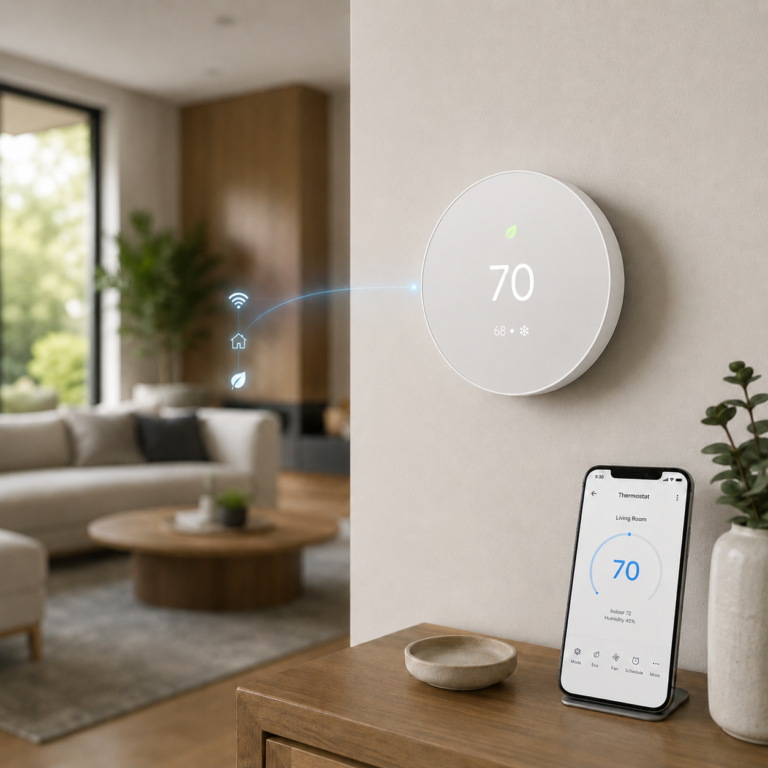
Google Nest Thermostat - Snow
Simple Google Home thermostat with app control, schedules, and HVAC monitoring alerts.
- Good fit: Google Home users who want a clean thermostat with remote control.
- Watch out for: Some HVAC systems may need a C-wire or compatible power accessory.
As an Amazon Associate I earn from qualifying purchases.
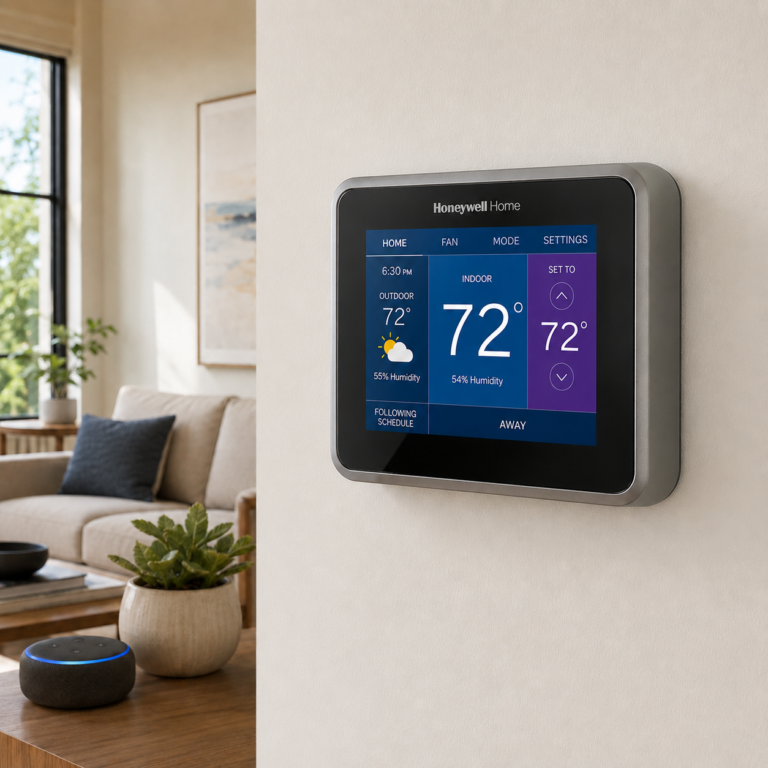
Honeywell Home RTH9585WF1004 Smart Color Thermostat
Color touchscreen thermostat with 7-day programming, app control, and weather display.
- Good fit: Homes that want a visible wall display and traditional Honeywell controls.
- Watch out for: C-wire is required, and electric baseboard heat is not supported.
As an Amazon Associate I earn from qualifying purchases.
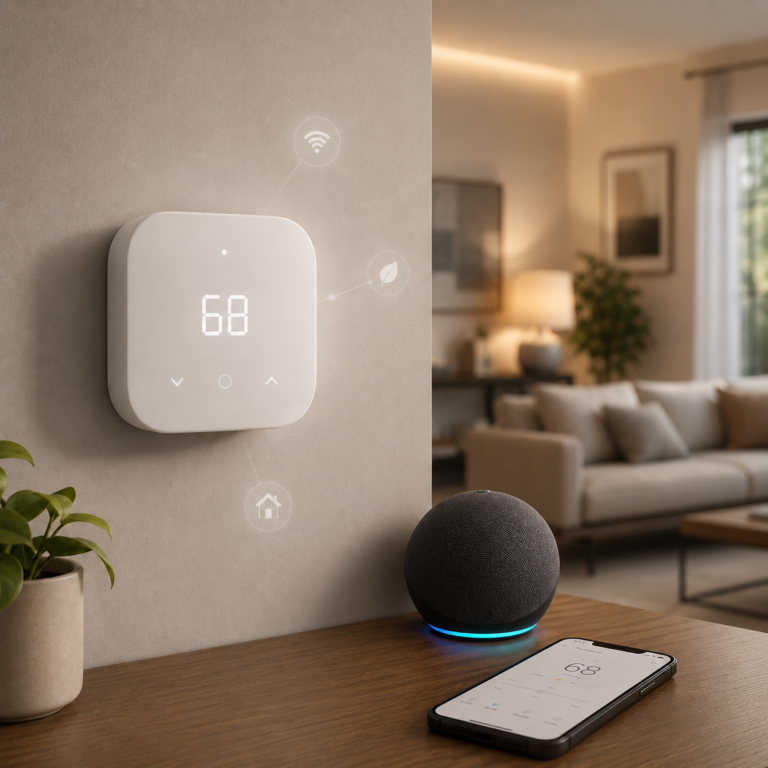
Amazon Smart Thermostat
Alexa-focused smart thermostat with app schedules, Ring support, and guided setup.
- Good fit: Alexa or Ring households that already have compatible HVAC wiring.
- Watch out for: Requires C-wire power or a separate adapter kit, and it uses 2.4 GHz WiFi.
As an Amazon Associate I earn from qualifying purchases.
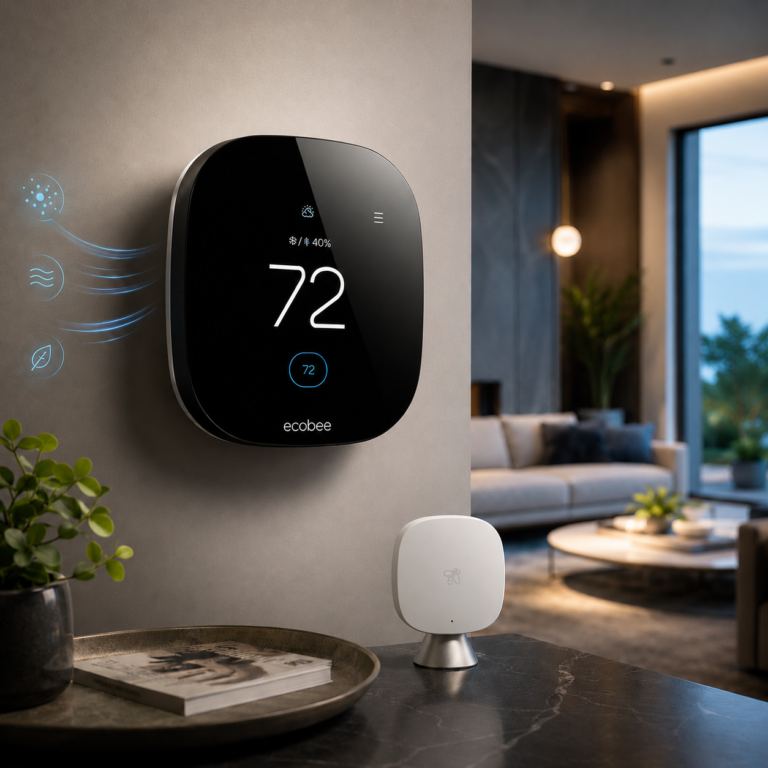
ecobee Smart Thermostat Premium
Premium ecobee thermostat with SmartSensor, air quality alerts, and broad assistant support.
- Good fit: Homes that want room sensing, premium controls, and wider smart home compatibility.
- Watch out for: Siri requires an Apple home hub, and compatibility should be checked before buying.
As an Amazon Associate I earn from qualifying purchases.
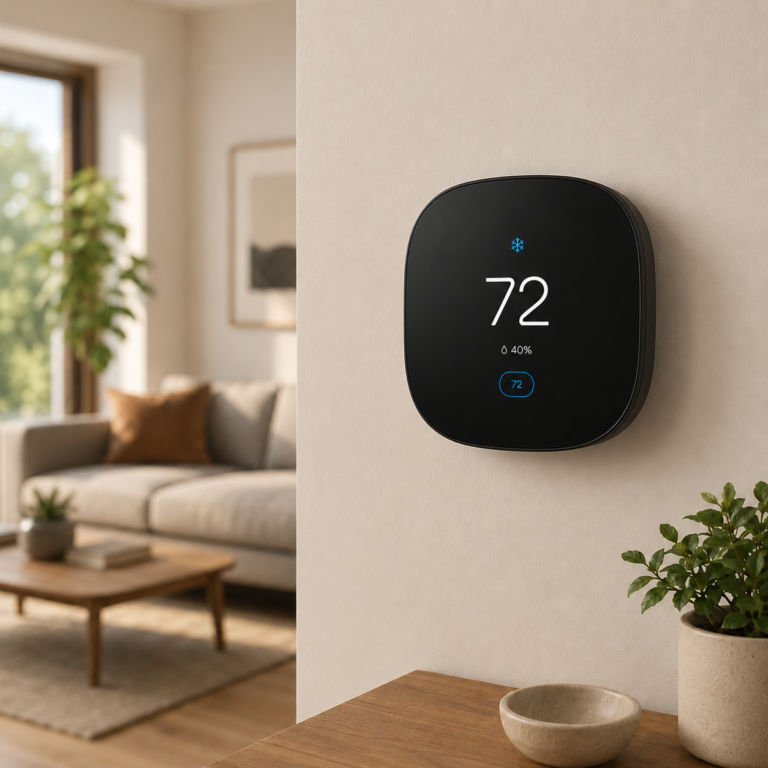
ecobee Smart Thermostat Essential
Entry-level ecobee thermostat with app control, touchscreen control, and assistant support.
- Good fit: Buyers who want ecobee basics without the Premium model’s extra hardware.
- Watch out for: SmartSensor, PEK, and Trim Kit are sold separately.
As an Amazon Associate I earn from qualifying purchases.
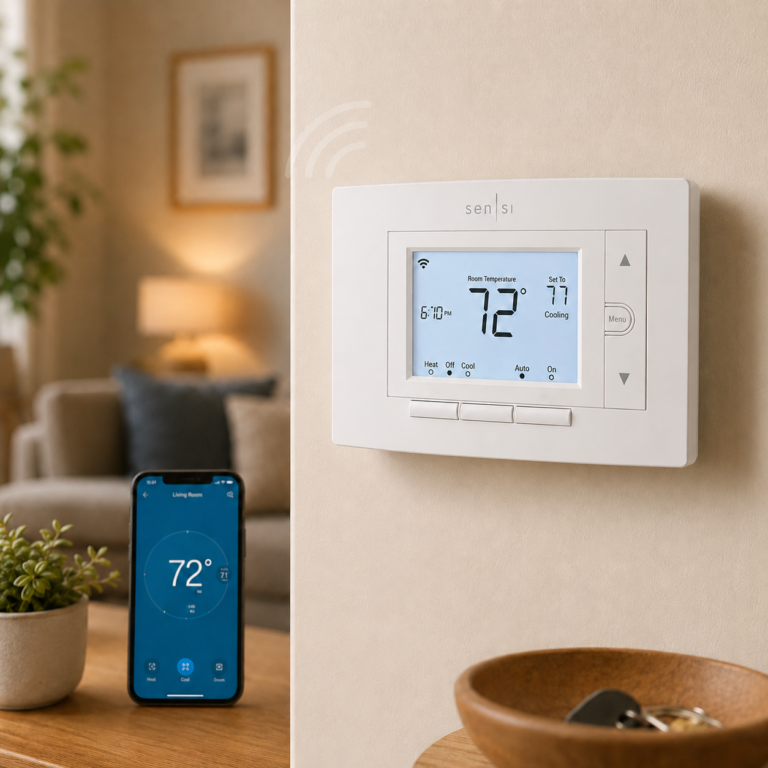
Emerson Sensi Wi-Fi Smart Thermostat ST55
Traditional-looking smart thermostat with app control, usage reports, and physical buttons.
- Good fit: DIY users who want smart controls without a full touchscreen design.
- Watch out for: C-wire is not required in most applications, but compatibility still needs to be checked.
As an Amazon Associate I earn from qualifying purchases.
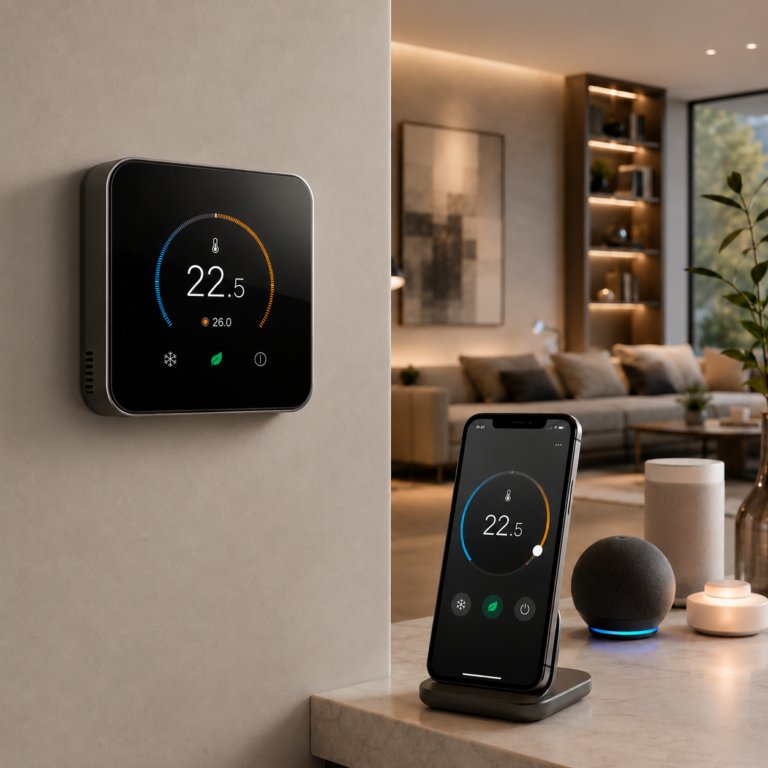
Aqara Smart Thermostat W200
The Aqara Smart Thermostat W200 is a touchscreen thermostat for smart homes that use Apple Home, Matter, and major voice assistants. It is best treated as a compatibility-first thermostat upgrade because HVAC wiring and system support must be confirmed before purchase.
- Good fit: Best for someone building around Apple Home or Matter who wants a touchscreen thermostat with broader smart home control features.
- Watch out for: HVAC compatibility must be checked before purchase.
As an Amazon Associate I earn from qualifying purchases.
Smart plugs for everyday energy automation
Smart plugs are useful when a device does not need a full thermostat or hardwired switch. Use them for compatible lamps, fans, and plug-in routines where app control, schedules, timers, or energy monitoring make sense. Check the electrical load, outlet spacing, WiFi requirements, and whether the connected device is suitable for remote switching.
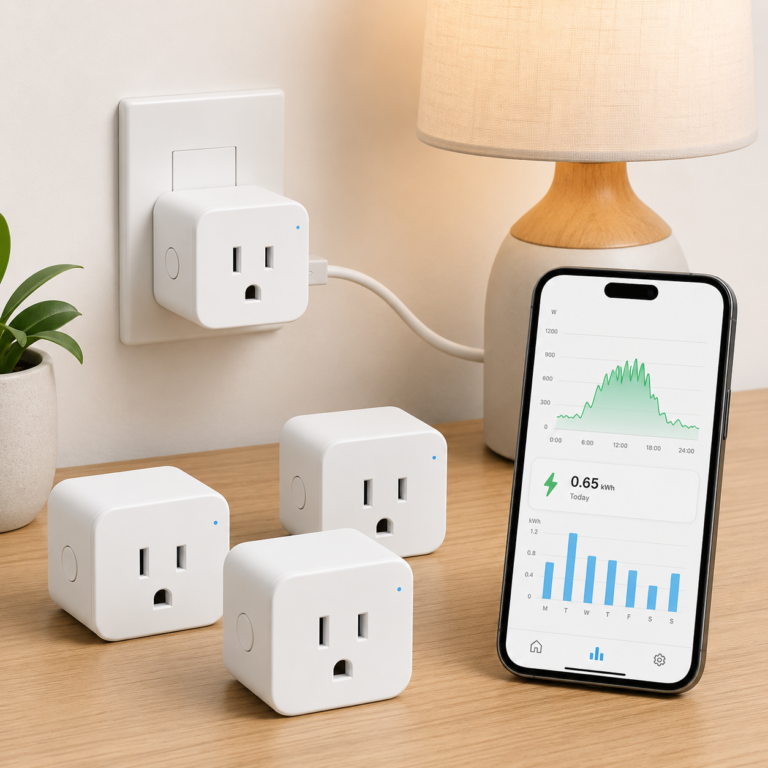
TP-Link Tapo P115 Smart Plug Energy Monitoring 4 Pack
The TP-Link Tapo P115 Smart Plug 4 Pack adds smart plug control with energy monitoring for lamps, small appliances, and everyday plug-in devices. It is a good fit when seeing energy usage matters as much as remote control and scheduling.
- Good fit: Best for someone who wants smart plug control plus energy usage tracking.
- Watch out for: It is 2.4 GHz WiFi only, so setup depends on the router network being configured correctly.
As an Amazon Associate I earn from qualifying purchases.
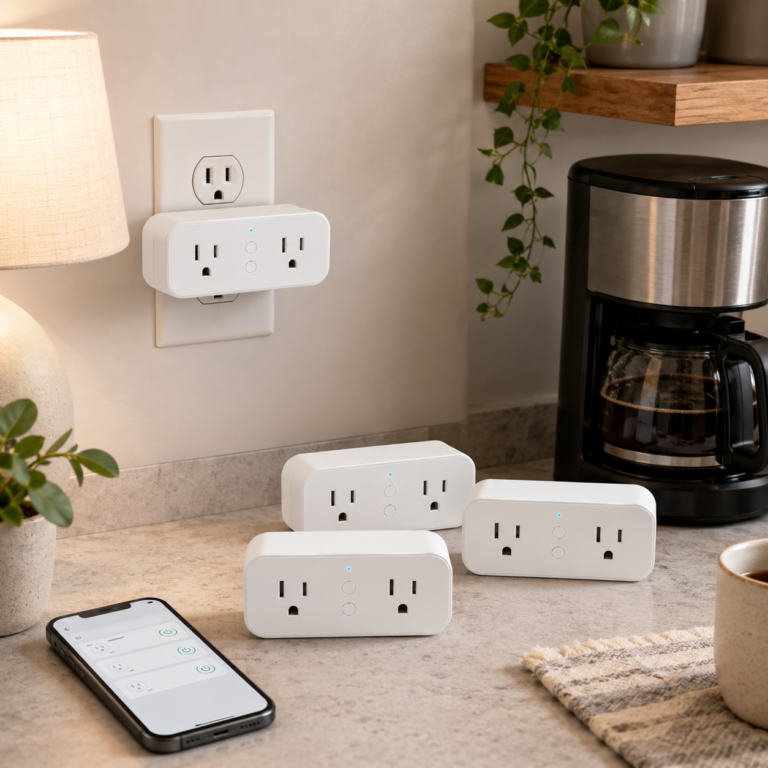
Govee Dual Smart Plug 4 Pack
The Govee Dual Smart Plug 4 Pack is built for turning common plug-in devices into app-controlled and voice-controlled devices. It works best for lamps, small appliances, fans, and daily routines where two controllable outlets are useful.
- Good fit: Best for adding app and voice control to lamps, small appliances, fans, and routine devices without buying a separate hub.
- Watch out for: It uses a dual outlet body, so spacing matters if the wall area is tight.
As an Amazon Associate I earn from qualifying purchases.
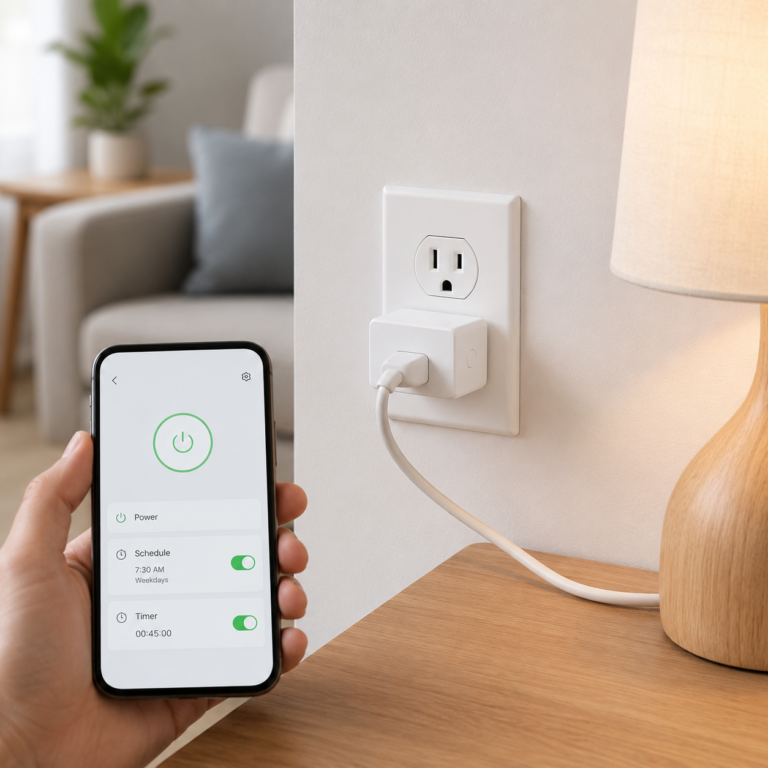
Kasa Smart Plug Ultra Mini EP10
The Kasa Smart Plug Ultra Mini EP10 is a simple compact smart plug for adding app control, voice control, schedules, and timers to one plug-in device. It is a straightforward fit for lamps, fans, and other basic household routines.
- Good fit: Best for simple smart control of one lamp, fan, or plug-in device.
- Watch out for: It does not add energy monitoring based on the extracted page details.
As an Amazon Associate I earn from qualifying purchases.
Thermostat plus entry awareness bundle
The ecobee Comfort and Security Bundle differs from a standard thermostat because it combines thermostat features with room sensing and door and window awareness. Optional security features may require a subscription or additional setup.
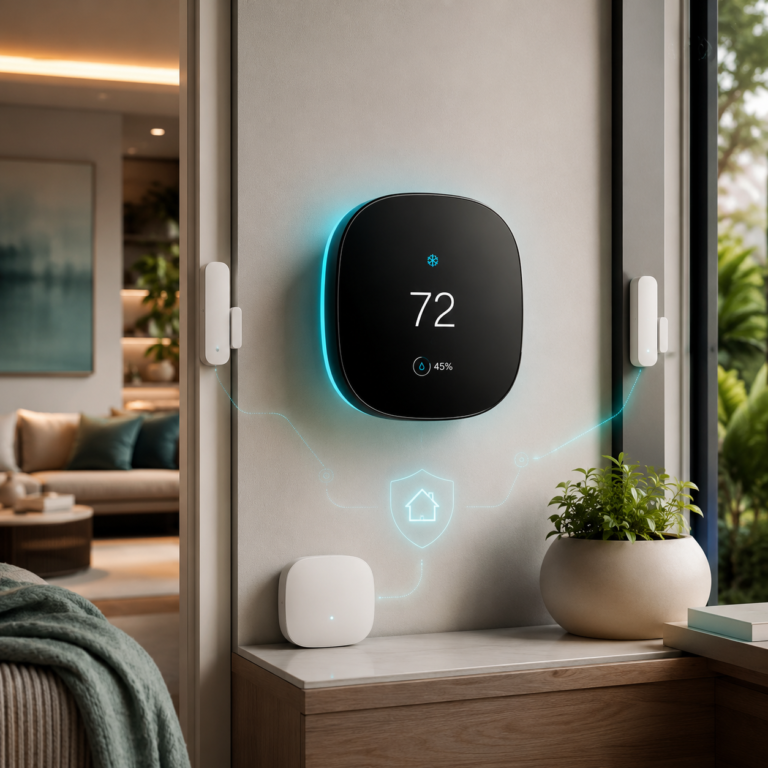
ecobee Comfort and Security Bundle
Thermostat bundle with room sensing, air quality alerts, and door/window awareness.
- Good fit: Homes that want comfort control and entry awareness in one ecobee setup.
- Watch out for: Some security features may require ecobee Smart Security, and Siri requires an Apple home hub.
As an Amazon Associate I earn from qualifying purchases.
Check HVAC compatibility, C-wire or adapter needs, app support, smart home platform support, subscription terms, and installation requirements before buying.
Schedules and occupancy sensing should match the room
Lighting automation can make entryways, hallways, basements, bedrooms, and shared rooms easier to manage. A routine should not leave people in the dark, override normal controls unexpectedly, or trigger constantly.
Keep manual switches or controls available and test sensor timing with the people who use the room.
Energy monitoring can make usage patterns easier to compare
Monitoring tools may show current or historical usage when supported. They can help identify patterns, compare devices, or understand when something runs, but readings and accuracy vary.
Use a consistent baseline before drawing conclusions. A short change in weather, occupancy, or routine can affect the results.
What to check before buying or setting up
| Device type | Important checks |
|---|---|
| Smart plug | Load rating, suitable device type, WiFi or hub needs, app support, and manual control. |
| Smart thermostat | HVAC compatibility, wiring, power, installation, app access, and household comfort. |
| Smart bulb or switch | Fixture, dimmer, neutral wire, hub, platform, and physical-control requirements. |
| Sensor or monitor | Placement, batteries, measurement limits, hub needs, data history, and subscription requirements. |
What to test before depending on a routine
- Turn each smart plug, bulb, thermostat, or routine on and off manually before relying on schedules.
- Confirm the controlled device is appropriate for remote or scheduled operation and stays within electrical limits.
- Test what happens after WiFi drops, power returns, or someone uses the physical switch or thermostat controls.
- For thermostats, verify the system heats, cools, and stops as expected after installation.
- For energy-monitoring plugs, use the data as a comparison aid rather than a savings promise.
Who may need a simpler approach
- Renters who cannot replace thermostats, switches, or permanent fixtures without approval.
- Households that need simple physical controls for guests or less technical users.
- People whose WiFi is weak in the room where automation is planned.
- Anyone uncomfortable with electrical or HVAC work that may require a qualified professional.
- People expecting a device to guarantee savings without changing routines or understanding baseline usage.
Common energy automation mistakes
- Using a smart plug with an unsuitable device or electrical load.
- Buying a thermostat or switch before checking wiring and system compatibility.
- Creating schedules that conflict with household comfort or daily routines.
- Ignoring WiFi, app, hub, battery, or subscription requirements.
- Removing understandable manual controls.
- Claiming savings without a reliable baseline and enough time to compare usage.
Continue with a related smart home guide
Start with one routine and measure usefulness
Choose a manageable setup, keep manual controls available, and expand only when the routine works for the household.