
Choose a smart home control point that fits your rooms and devices
A smart display, app, voice assistant, or ecosystem hub can make connected devices easier to check and control. You do not always need a separate hub, and no single display works with every camera, sensor, thermostat, or platform.
What does a smart home hub actually do?
A hub or control point helps compatible devices communicate, appear in one app or screen, respond to voice commands, or participate in routines.
Some devices connect directly to WiFi and need only their own app. Others use a bridge, ecosystem hub, Matter controller, Thread border router, or manufacturer platform. A display may act as a dashboard for supported devices without replacing every product’s original app or setup requirements.
App, voice, display, ecosystem, and Matter control
App-only control
The manufacturer app handles setup, alerts, settings, history, and remote control. This can be enough for one or two device types.
Voice assistant control
Alexa or another assistant can support compatible commands and routines, but voice support may expose only part of a device’s features.
Smart display control
A display can add visual weather, reminders, controls, and supported camera views. Screen size and feed compatibility matter.
Ecosystem hub or bundle
An ecosystem can connect related thermostats, sensors, cameras, or security features, sometimes with subscriptions or additional hardware.
Matter and Thread
Matter can improve cross-platform compatibility for supported device types. Thread is a network technology used by some devices. A compatible controller or border router may still be needed.
Security dashboard use
A compatible screen may show selected camera or doorbell feeds, but recordings, alerts, monitoring, and advanced settings remain subject to each device and plan.
A smart display can simplify light everyday control
A display may be enough when your main needs are voice commands, routines, timers, reminders, weather, music, and quick views from compatible cameras or doorbells. It can be useful in a kitchen, family room, bedroom, office, or bedside area.
A display is not automatically a universal hub. Confirm each camera, thermostat, light, lock, sensor, or Matter device before assuming it will appear on the screen or support every control.
SmartThings and multi-protocol hub option
A dedicated hub can matter when a home includes more than WiFi devices. The Aeotec hub belongs in this section because it can help connect supported SmartThings-compatible, Z-Wave, Zigbee, and Matter devices while also fitting Alexa and Google Assistant control. Check every device and protocol before buying.
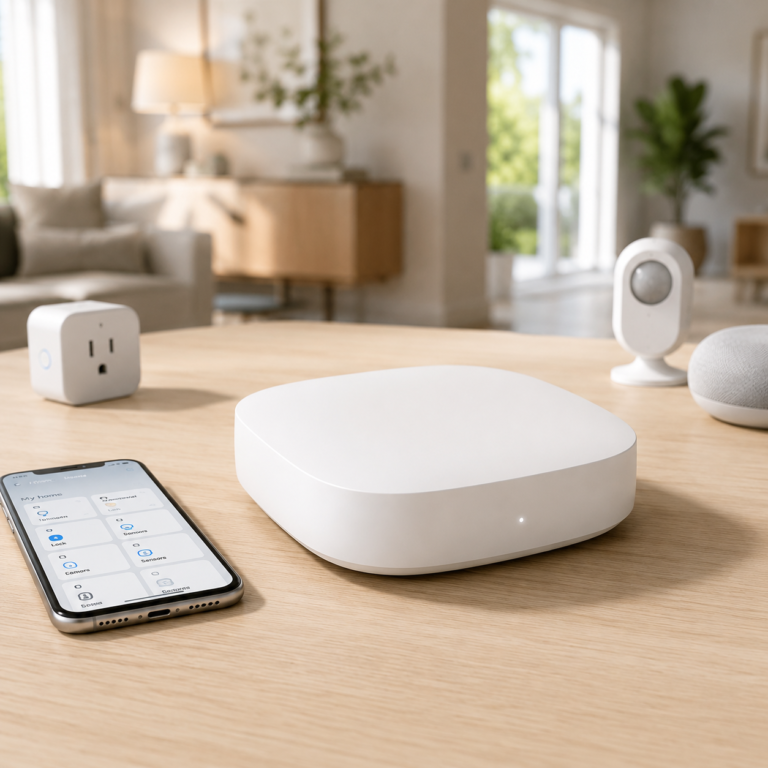
Aeotec Smart Home Hub
The Aeotec Smart Home Hub is a SmartThings-compatible hub for homes that use more than basic WiFi devices. It is a strong fit when a setup includes Z-Wave, Zigbee, Matter, Alexa, Google Assistant, and mixed smart home accessories.
- Good fit: Best for someone who wants one hub to connect multiple smart home device types beyond basic WiFi devices.
- Watch out for: Compatibility still depends on the specific devices and protocols already in the home.
As an Amazon Associate I earn from qualifying purchases.
Choose an ecosystem when several devices need to work together
An ecosystem becomes more important when you want related cameras, doorbells, alarm sensors, thermostats, room sensors, or routines in one account. Ring may fit an Alexa-focused security setup, while ecobee may fit a home combining thermostat comfort and supported security-style sensors.
Before committing, compare account requirements, app quality, household sharing, subscriptions, privacy controls, compatibility, and what happens if internet or cloud services are unavailable.
Smart display, speaker, and ecosystem picks for different rooms
Echo Show devices add screens for compatible routines, camera views, reminders, and visual controls. Echo speakers are better fits when the main job is voice control, music, room announcements, or hands-free Alexa routines without another screen.
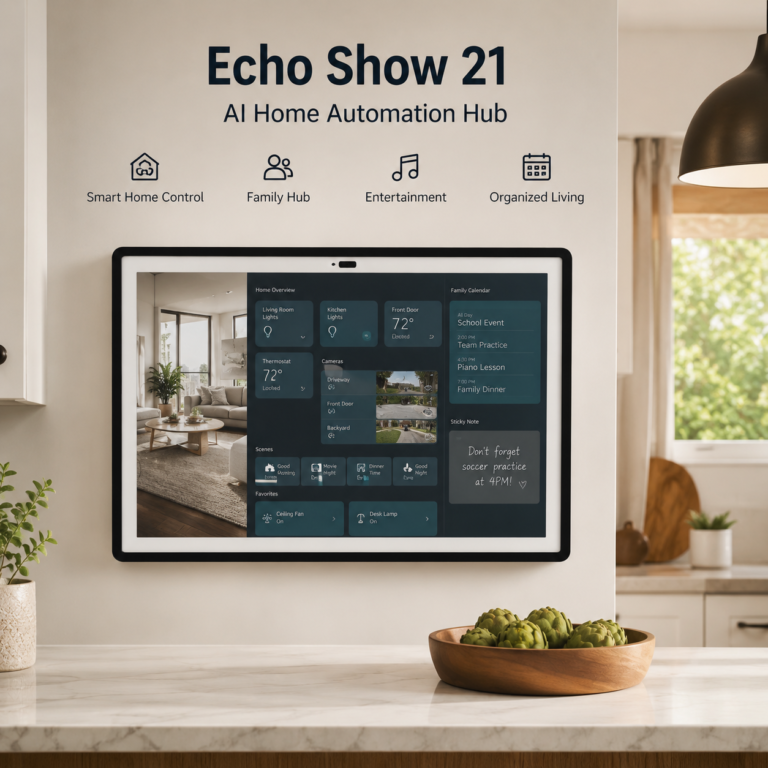
Amazon Echo Show 21
A large Echo smart display for kitchens, family rooms, and central smart home control areas, with a big screen designed for home organization, compatible camera viewing, entertainment, routines, and Alexa-supported controls.
- Good fit: Good for households that want a large wall-style display or central dashboard for calendars, reminders, compatible smart home controls, and shared family spaces.
- Watch out for: Check wall mounting, counter/stand needs, WiFi strength, account setup, camera and microphone privacy settings, Fire TV support, app compatibility, and whether any services or subscriptions are required for the features you plan to use.
As an Amazon Associate I earn from qualifying purchases.
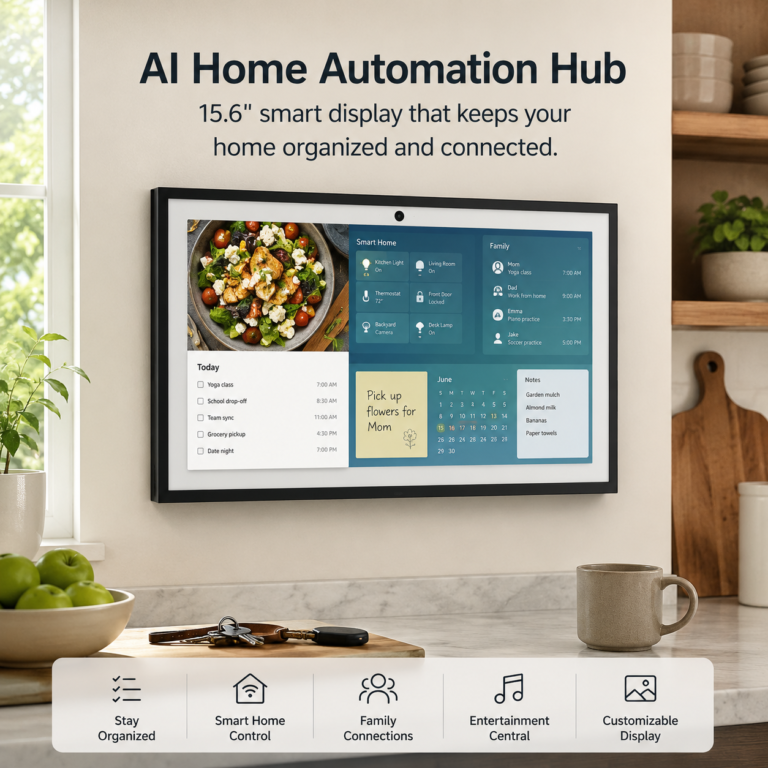
Amazon Echo Show 15
A large Echo smart display for kitchens, family organization, routines, compatible smart home controls, entertainment, and shared dashboards in busy home spaces.
- Good fit: Good for homes that want a larger screen than a compact Echo Show but do not need the largest Echo display option.
- Watch out for: Check wall mounting or stand needs, WiFi strength, account setup, privacy controls, Fire TV support, app compatibility, and whether any features require compatible services or subscriptions.
As an Amazon Associate I earn from qualifying purchases.
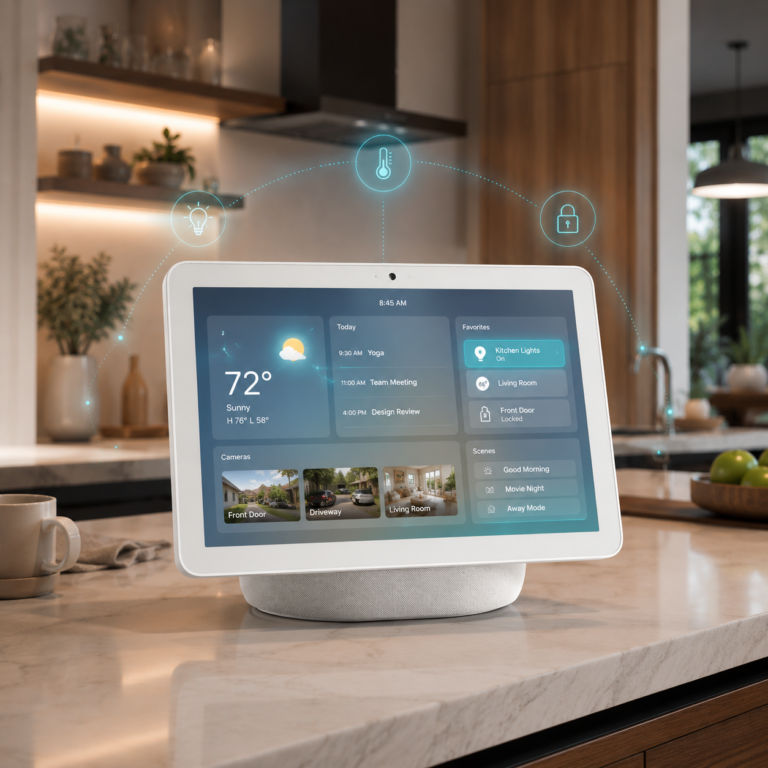
Echo Show 11 Smart Home Hub
A larger Alexa display for compatible camera views, lights, routines, weather, reminders, calendars, and household information.
- Watch out for: Check Alexa account requirements, device compatibility, supported video services, privacy controls, and whether a separate stand or subscription is needed.
As an Amazon Associate I earn from qualifying purchases.
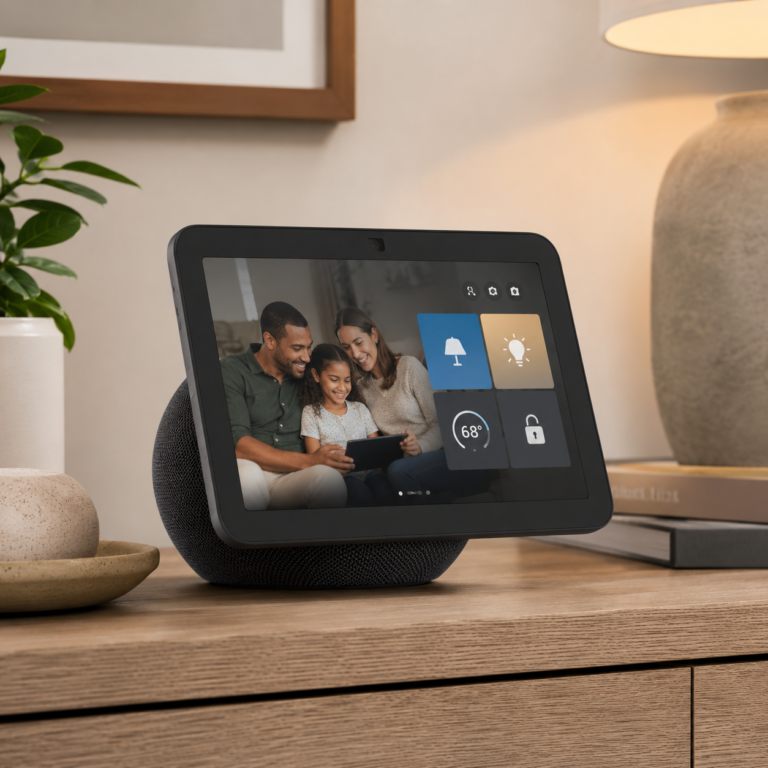
Amazon Echo Show 8
A mid-size Echo smart display for voice control, routines, reminders, entertainment, compatible camera viewing, and simple smart home controls from a kitchen, bedroom, office, or shared room.
- Good fit: Good for readers who want a screen larger than a bedside display but smaller than a wall-style family hub.
- Watch out for: Check placement, WiFi strength, camera and microphone privacy settings, account setup, app compatibility, and whether your camera, doorbell, thermostat, or other smart devices work with Alexa.
As an Amazon Associate I earn from qualifying purchases.

Echo Show 5 Bedside Smart Display
A compact Alexa display for alarms, weather, reminders, music, supported camera views, and light smart home control.
- Watch out for: Check Alexa account and language requirements, supported services, camera compatibility, microphone and camera controls, and whether the smaller display suits the room.
As an Amazon Associate I earn from qualifying purchases.
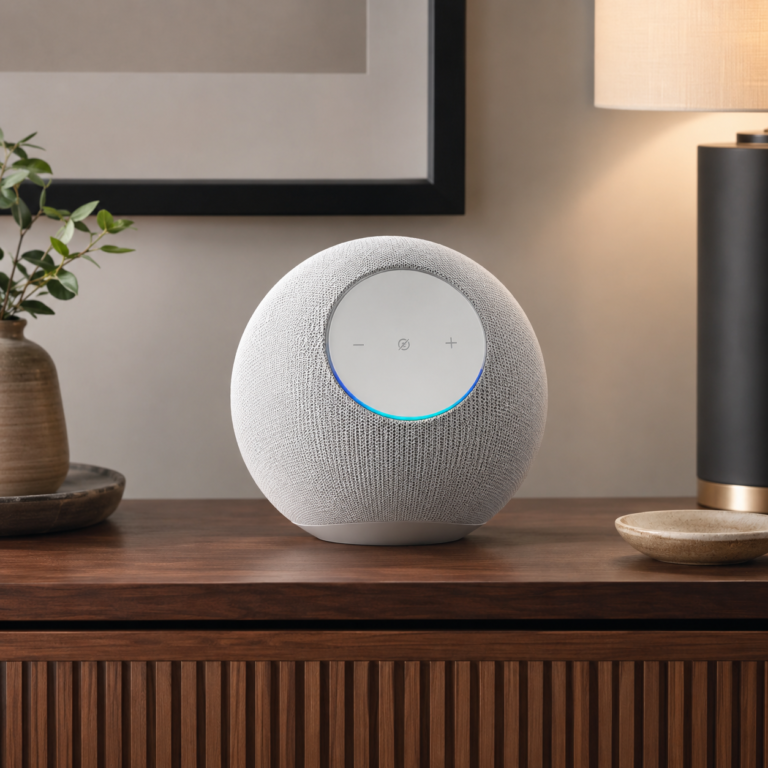
Amazon Echo Studio Glacier White
A premium Echo smart speaker designed for stronger audio, Alexa voice control, compatible smart home commands, music, routines, and entertainment-focused rooms.
- Good fit: Good for users who want Alexa control and a more audio-focused smart speaker for living rooms, offices, or entertainment areas.
- Watch out for: Check music service compatibility, WiFi strength, account setup, room placement, privacy settings, microphone controls, and whether the smart devices you want to control work with Alexa.
As an Amazon Associate I earn from qualifying purchases.
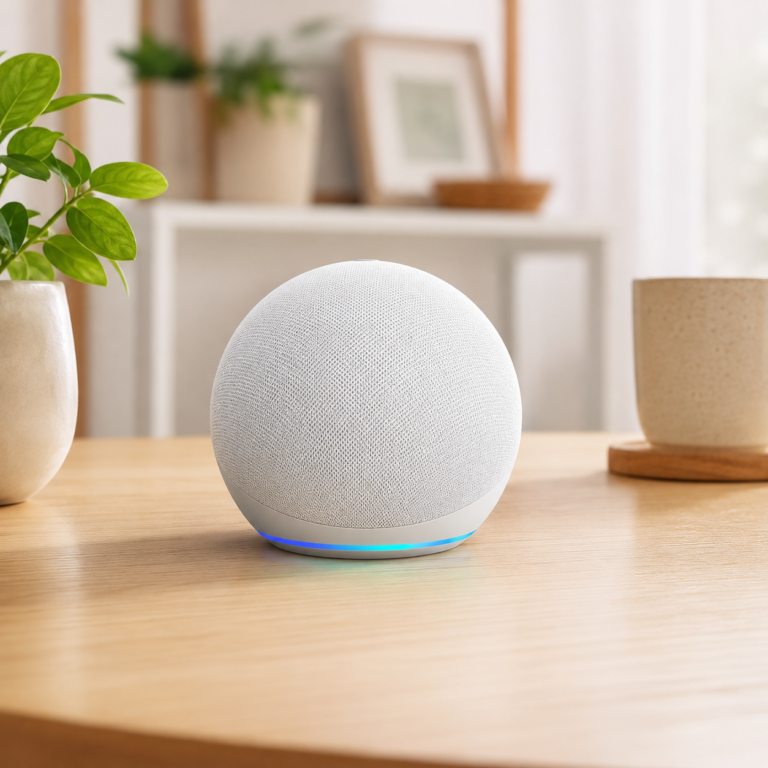
Amazon Echo Dot Glacier White
A compact Alexa smart speaker for simple voice control, timers, music, routines, reminders, and basic smart home commands in bedrooms, offices, dining rooms, or small spaces.
- Good fit: Good for beginners who want low-friction voice control without adding a screen.
- Watch out for: Check WiFi coverage, account setup, app compatibility, privacy settings, microphone controls, and whether the smart devices you want to control work with Alexa.
As an Amazon Associate I earn from qualifying purchases.
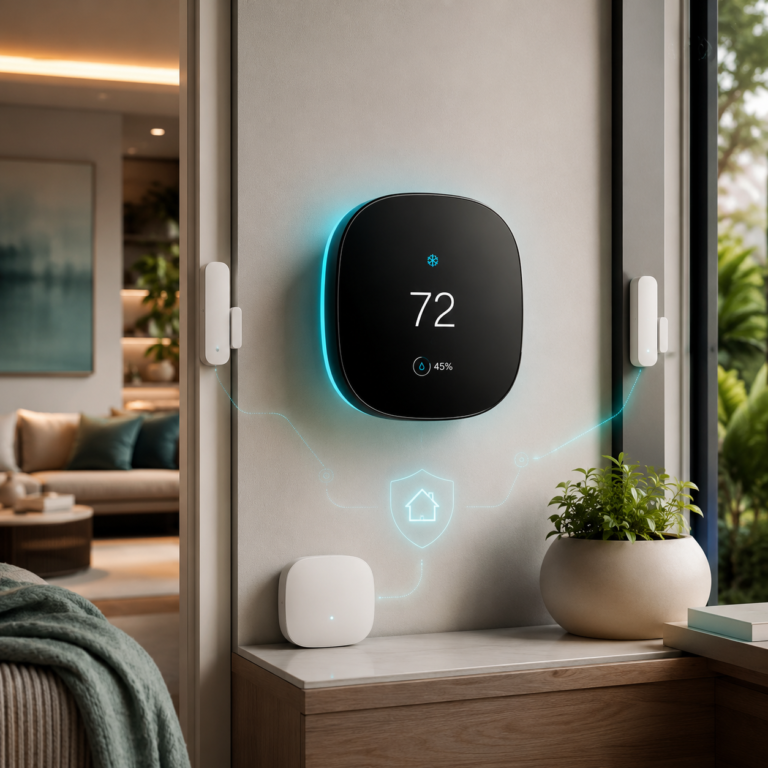
ecobee Comfort and Security Bundle
Thermostat bundle with room sensing, air quality alerts, and door/window awareness.
- Good fit: Homes that want comfort control and entry awareness in one ecobee setup.
- Watch out for: Some security features may require ecobee Smart Security, and Siri requires an Apple home hub.
As an Amazon Associate I earn from qualifying purchases.
Match the control point to the room
Kitchen or main room
An Echo Show 11 can provide a larger screen for routines, weather, family reminders, compatible camera views, and selected smart home controls.
Bedroom or bedside
An Echo Show 5 can support alarms, reminders, voice routines, music, and quick visual checks without taking up as much space.
Security-focused setup
A compatible display may show selected camera or doorbell feeds. Cameras and alarm kits still require their own setup, network, app, privacy, and plan checks.
Energy and comfort setup
The ecobee bundle combines thermostat comfort, room sensing, air quality alerts, and door or window awareness within the ecobee ecosystem.
How hubs and displays fit with other smart home systems
| System | What a hub or display may add | What still needs checking |
|---|---|---|
| Security cameras and doorbells | Supported live views, announcements, voice commands, and routines. | Feed compatibility, recordings, privacy, alerts, subscriptions, and the original app. |
| Leak detection | Supported announcements, status, or routines for compatible sensors. | Gateway, hub, WiFi, Matter controller, alert behavior, batteries, and local alarms. |
| Thermostats | Temperature adjustments, routines, room information, or ecosystem controls when supported. | HVAC wiring, C-wire needs, app support, platform compatibility, and subscriptions. |
| Lights and plugs | Voice control, groups, schedules, scenes, and room-based routines. | Load limits, neutral wires, hubs, WiFi bands, physical controls, and device compatibility. |
Smart hub and display compatibility checklist
- Confirm support for Alexa, Ring, ecobee, Google, Apple, Matter, or the ecosystem you already use.
- Check whether the display can show the exact camera or doorbell feed you want.
- Review subscriptions for recordings, recognition, monitoring, cloud storage, or advanced features.
- Test WiFi strength where the display, hub, camera, thermostat, or sensor will operate.
- Check whether connected devices need a neutral wire, transformer, bridge, gateway, hub, border router, or manufacturer app.
- Review microphone controls, camera shutters, household profiles, permissions, recordings, and privacy settings.
- Decide whether household members prefer voice, app, screen, physical controls, or automated routines.
- Keep manual controls available and verify what still works during an internet or cloud-service interruption.
What to test before adding more devices
- Confirm each device appears in the expected app, display, hub, or voice assistant before building routines.
- Test voice commands, screen controls, and manual controls from the rooms where people will actually use them.
- Check whether routines still work after a device, router, app, or cloud service restarts.
- Review microphone, camera, household profile, shared-user, and child settings on displays and speakers.
- Add one new device type at a time so protocol, Matter, hub, bridge, and app issues are easier to isolate.
Choose devices after understanding the connected system
AI Home Security
Compare indoor, outdoor, floodlight, doorbell, and alarm-kit roles.
Smart Leak Detection
Review sensors, alerts, gateways, WiFi, Matter, and placement needs.
Energy Automation
Explore thermostats, lighting, plugs, monitoring, and practical routines.
Senior Smart Home
Consider simple controls, reminders, consent, independence, and household support.
Pet Smart Home
See cautious camera, temperature, lighting, and routine ideas around pets.
AI Home Automation Basics
Learn how apps, hubs, WiFi, Matter, privacy, and compatibility fit together.
Frequently Asked Questions
Do I need a smart home hub to start?
No. Many WiFi devices work through their own apps. A hub or display becomes useful when it simplifies compatible controls, routines, voice commands, or visual checks across several devices.
Is an Echo Show a smart home hub?
Some Echo Show models include smart home hub or controller capabilities and can act as a display for compatible devices. Exact Zigbee, Matter, Thread, camera, and routine support varies by model and setup.
Can a smart display show security cameras?
It can show supported camera or doorbell feeds when the device, account, app, network, and ecosystem are compatible. Recording history and advanced controls may still require the original app or a subscription.
What is the difference between Alexa and Matter?
Alexa is a voice assistant and smart home platform. Matter is a compatibility standard for supported smart device types. A Matter device still needs a compatible controller and may expose different features on different platforms.
Should I choose Ring, ecobee, Google, or another ecosystem?
Start with the devices and apps already in your home, then compare compatibility, privacy, subscriptions, household sharing, and the controls you actually need. No ecosystem is automatically the right choice for every home.
Is a small display enough for a bedroom?
A compact display may be enough for alarms, reminders, voice routines, weather, music, and quick supported views. Check screen size, microphone and camera controls, placement, and household preferences.
What should beginners check before buying a hub or smart display?
Confirm platform and device compatibility, WiFi, account requirements, supported camera feeds, subscription terms, privacy controls, room placement, and whether the household prefers voice, app, screen, or physical control.
Choose the simplest control layer that solves a real problem
Begin with the apps and devices you already use. Add a display, hub, or ecosystem bundle only when it makes compatible controls, routines, reminders, or visual checks easier for the household.