
Use smart home tools as support for everyday pet care
Cameras, feeders, water-area sensors, temperature alerts, lights, plugs, door sensors, and routines may help pet owners check shared areas and manage repeated household tasks.
What is a pet smart home?
It is a home setup that uses compatible connected devices to support pet-related reminders, room checks, alerts, lighting, feeding schedules, or other ordinary routines.
These tools may help you check an area or notice a supported alert. They do not keep pets safe, prevent harm, replace attentive care, or replace veterinary advice.
Smart home ideas pet owners may consider
Cameras
A camera may help you check a shared pet area when the connection, placement, account access, and household privacy settings are appropriate.
Smart feeders
A compatible feeder can support schedules or app checks, but it still needs cleaning, testing, refilling, and a human backup plan.
Water-area monitoring
A leak sensor near an appropriate water-fountain or bowl area is designed to detect water at the sensor and can alert when supported. It does not measure whether a pet has enough water.
Temperature awareness
Compatible sensors can alert or display room conditions, but placement, accuracy, app settings, and normal in-person checks still matter.
Smart plugs and lighting
Plugs and lights can support suitable schedules when the connected device is appropriate for remote switching and manual control remains available.
Doors, motion, and alerts
Contact or motion sensors can alert or trigger routines around selected shared areas when placement and notification settings fit the household.
Start with one routine you can test
- Choose one need. Examples include checking a shared room, running a suitable lighting schedule, or receiving a door alert.
- Check the device and location. Confirm power, WiFi, app support, placement, cleaning, maintenance, and household privacy.
- Test with human backup. Confirm alerts and schedules work, while keeping normal care routines and manual controls in place.
Pet check-ins without overcomplicating the home
A small setup can be more useful than a collection of devices that require constant app management.
One shared-area camera
An indoor camera may help you check a common pet area when placement is respectful and everyone in the home understands the recording settings.
One easy control point
A small smart display can support quick compatible camera views, timers, reminders, and routines from a bedside table, desk, or other suitable location.
A few useful routines
Existing smart lights, plugs, or thermostat routines can support ordinary schedules when each connected device is appropriate for remote control.
Pet cameras and check-in options
Pet cameras are most useful when they match the room. A pan-tilt camera can help cover more of a living room or feeding area, while a compact fixed camera can work well for a crate, bed, doorway, or small pet corner.
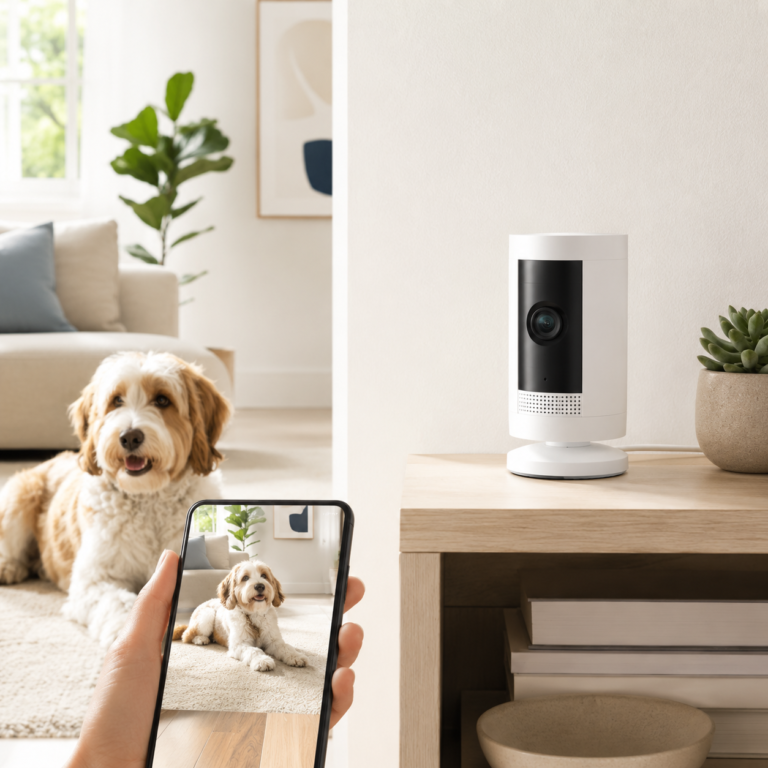
Ring Pan-Tilt Indoor Cam with Ring Pet Tag
The Ring Pan-Tilt Indoor Cam with Ring Pet Tag is a pet-monitoring camera option for rooms where a fixed view may be too narrow. It fits best when the goal is to check a pet room, feeding area, or living room from the Ring app and Alexa-supported devices.
- Good fit: Best for checking a pet room, living room, or feeding area when a wider camera view matters.
- Watch out for: Some Ring features may depend on app setup or subscription choices, so treat it as a camera option rather than a guaranteed pet-safety system.
As an Amazon Associate I earn from qualifying purchases.
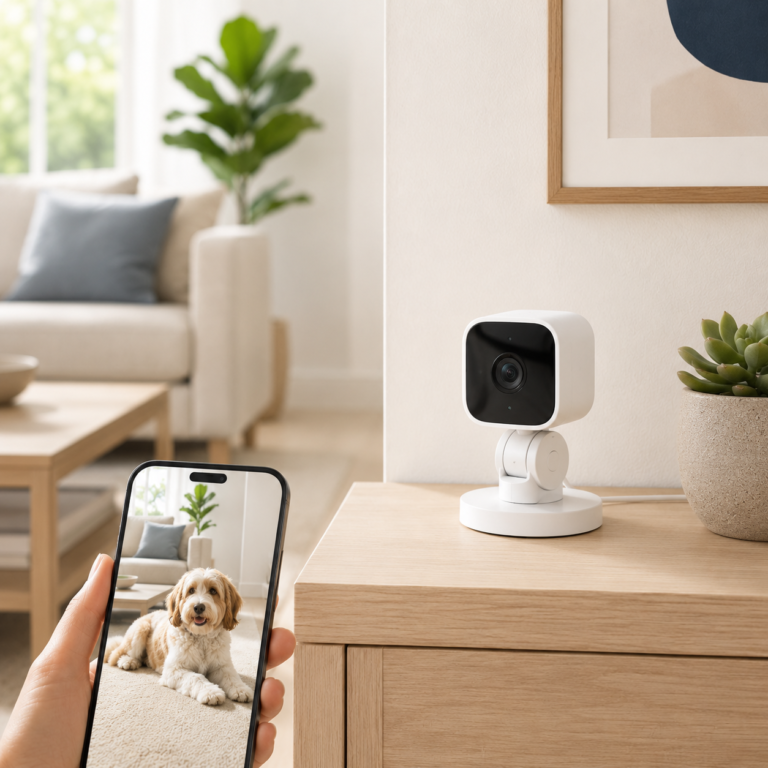
Blink Mini Pan-Tilt Camera
The Blink Mini Pan-Tilt Camera is a pet check-in option for rooms where a fixed camera angle is too limited. It is best for a pet room, living room, or feeding area where panning and tilting can help cover more of the space.
- Good fit: Best when one camera needs to cover more of the room than a fixed camera can show.
- Watch out for: It is a plug-in indoor camera, so placement depends on outlet access and room layout.
As an Amazon Associate I earn from qualifying purchases.
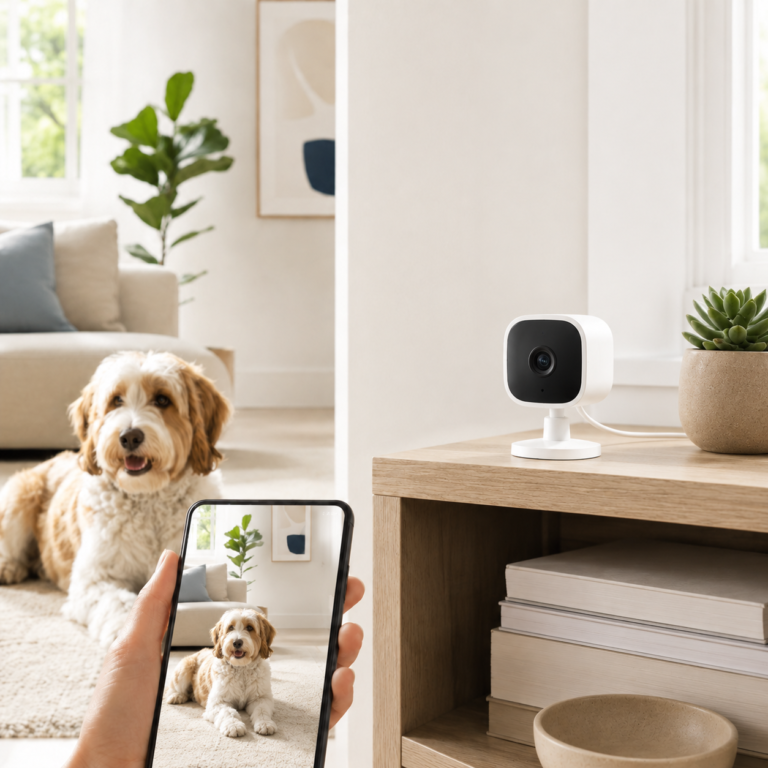
Blink Mini 2 Home Security and Pet Camera
Blink Mini 2 is a compact plug-in camera that can work as a simple pet check-in camera for a crate area, pet bed, food bowl, or doorway. It is a better fit when a fixed view is enough and the setup needs to stay small.
- Good fit: Best for a simple fixed-view pet camera near a crate, pet bed, food bowl, or doorway.
- Watch out for: Outdoor use requires the proper weather-resistant power adapter, and clip storage features may depend on the Blink setup.
As an Amazon Associate I earn from qualifying purchases.
Other compatible cameras and display controls
These existing indoor camera and compact display options may support shared-area check-ins, compatible camera views, reminders, and routines. Check recording subscriptions, app access, privacy controls, and placement before buying.
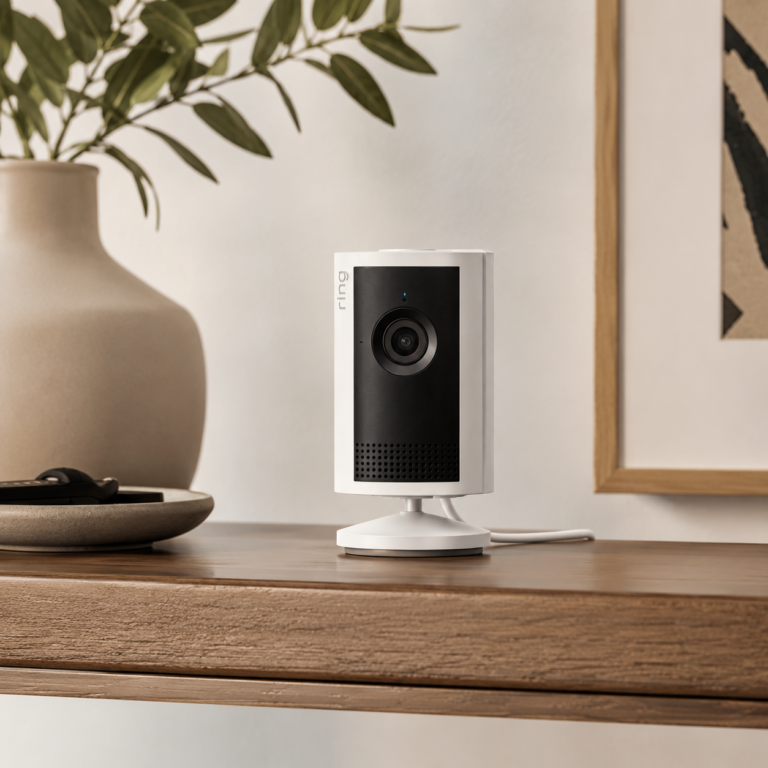
Ring Indoor Cam Plus
A higher-detail indoor Ring camera with 2K video, enhanced zoom, Low-Light Sight, Two-Way Talk, and privacy controls for compatible indoor rooms.
- Good fit: Indoor spaces where a sharper view, better low-light performance, and compact plug-in placement matter.
- Watch out for: For indoor use only. Check privacy settings, camera placement, household consent, WiFi strength, plug location, and Ring subscription terms before buying.
As an Amazon Associate I earn from qualifying purchases.
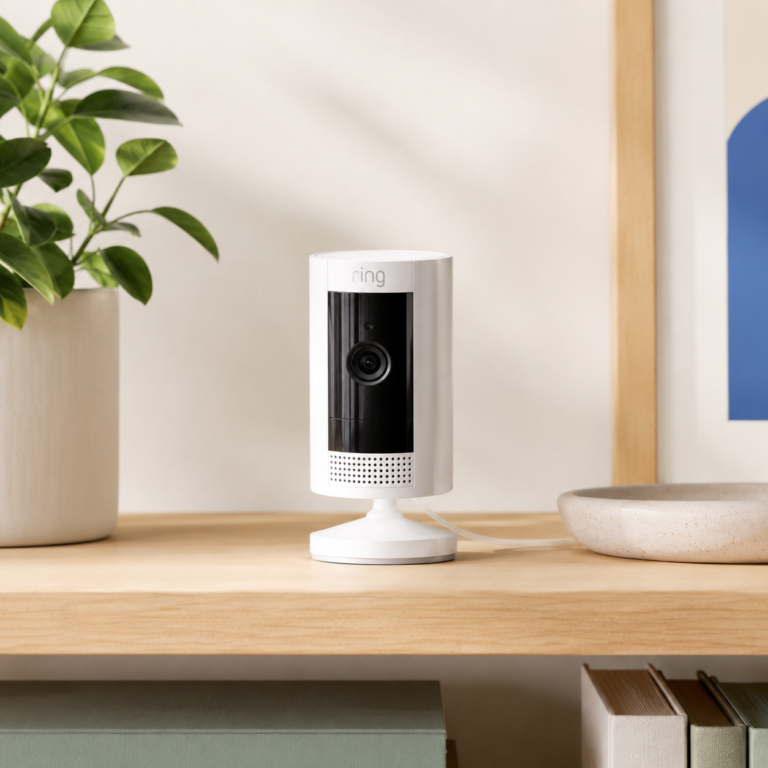
Ring Indoor Cam White
A compact indoor Ring camera for checking a room through the Ring app, with 1080p video, motion alerts, Two-Way Talk, and privacy controls when configured.
- Good fit: Shoppers who want a simple indoor Ring camera for a living room, entry table, pet area, small office, or shared indoor space.
- Watch out for: For indoor use only. Check plug placement, WiFi strength, privacy cover use, privacy zones, household consent, and Ring subscription terms before buying.
As an Amazon Associate I earn from qualifying purchases.

Echo Show 5 Bedside Smart Display
Check price on AmazonAs an Amazon Associate I earn from qualifying purchases.
Indoor cameras may help with respectful check-ins, while the Echo Show 5 can support compatible camera views, reminders, routines, and simple voice control. Features vary by device, app, plan, and setup.
Automatic feeders for dry-food routines
Automatic feeders are a better fit for dry-food routines than for general room monitoring. A camera feeder helps with bowl-area check-ins, while simpler scheduled feeders work best when you only need timed portions.
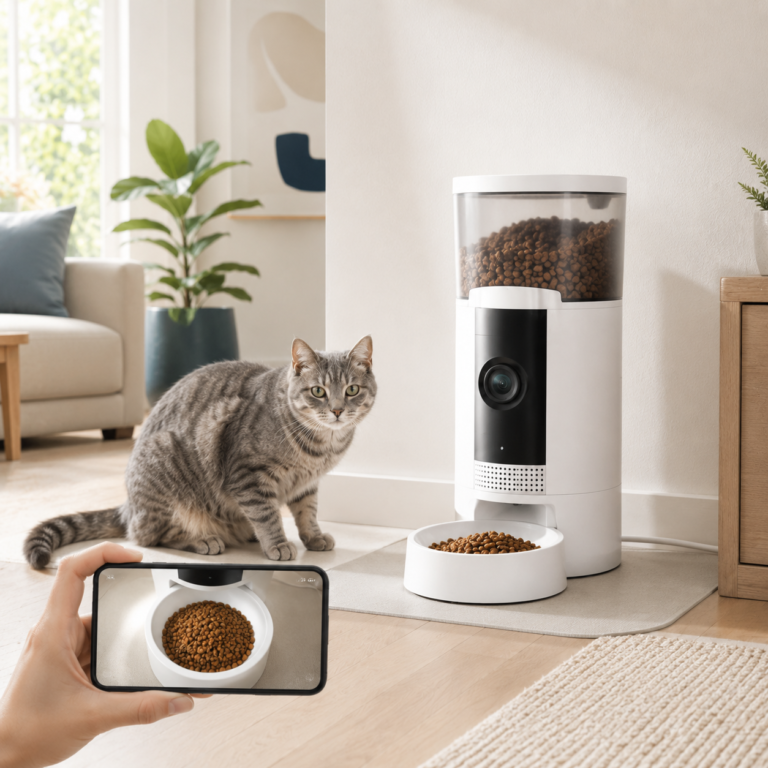
Frienhund Automatic Cat Feeder with 2K Camera
The Frienhund Automatic Cat Feeder with 2K Camera combines a dry-food feeder with camera-based bowl viewing. It fits best when the feeding area needs both scheduled feeding and app-based visual check-ins from one device.
- Good fit: Best for someone who wants feeding automation and a camera view of the bowl area in one device.
- Watch out for: It depends on stable WiFi and is for dry food, so kibble size and setup location need to be checked.
As an Amazon Associate I earn from qualifying purchases.
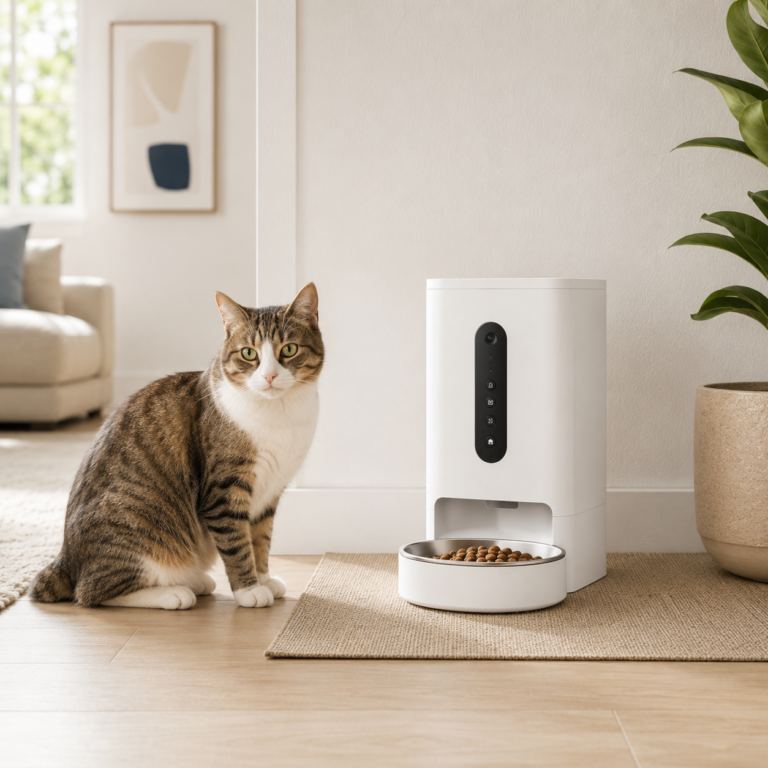
ANDOLL HOME Automatic Cat Feeder 4L
The ANDOLL HOME Automatic Cat Feeder 4L is a scheduled dry-food feeder for cats or small pets when a camera is not needed. It is a better fit for portioned feeding routines than for visual monitoring.
- Good fit: Best for scheduled dry-food feeding when camera features are not needed.
- Watch out for: It is not a camera feeder, and it should be treated as a scheduled feeder rather than a full smart monitoring device.
As an Amazon Associate I earn from qualifying purchases.
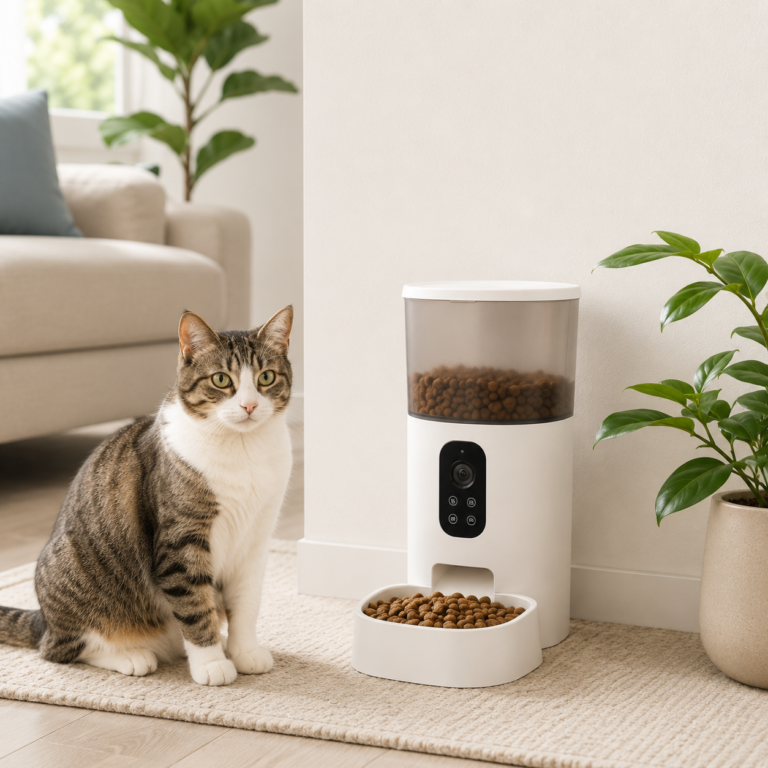
VOLUAS Automatic Cat Feeder
The VOLUAS Automatic Cat Feeder is a basic scheduled feeder for dry-food routines. It is useful when the goal is timed feeding and portion control without app control or smart home platform features.
- Good fit: Best for basic scheduled dry-food feeding with portion control and a simple voice-recording option.
- Watch out for: It is listed as not smart home compatible, so it should not be described as app-controlled.
As an Amazon Associate I earn from qualifying purchases.
Check dry-food compatibility, portion settings, power or battery requirements, cleaning needs, app and WiFi requirements where applicable, and a practical backup feeding plan before buying. A scheduled feeder still needs regular human checks.
Keep pet routines practical and easy to verify
- Set an ordinary reminder to refill water or clean a bowl or fountain.
- Use a feeding reminder while keeping a human check and backup plan in place.
- Turn suitable lights on before an evening walk or before entering a shared pet area.
- Use a smart display for a pet medication reminder only as an organizational prompt, not as veterinary guidance or confirmation that medication was given.
- Check a common-room camera before leaving or before bedtime when the placement and household privacy settings are appropriate.
What to check before buying or setting up
- Confirm the device is appropriate for the intended pet-related use.
- Check phone, app, WiFi, hub, subscription, and account requirements.
- Review batteries, cords, moving parts, cleaning needs, and placement.
- Consider whether the pet may be startled by sounds, movement, lights, or announcements.
- Check camera recording, audio, storage, and sharing settings.
- Make sure another person can use the controls or follow the backup plan.
- For renters, review mounting and building rules before installation.
What to test before depending on pet routines
- Run feeder schedules several times with the actual food and confirm portions, timing, and cleaning needs.
- Test cameras and notifications from the room where they will be used, not just beside the router.
- Confirm the pet tolerates sounds, motion, lights, two-way audio, or feeder movement before using a routine regularly.
- Check app permissions, shared users, recording settings, and privacy controls for every camera or microphone.
- Keep a human backup plan for feeding, water, medication reminders, and in-person checks.
Place cameras and microphones thoughtfully
Pet cameras should be limited to appropriate shared areas. Household members and guests should understand where recording devices are located and who can access them.
- Do not place cameras in bedrooms, bathrooms, changing areas, or other private spaces.
- Review audio recording and two-way talk settings.
- Check when clips are recorded, stored, shared, or deleted.
- Use physical privacy covers, privacy zones, or app controls when supported and appropriate.
- Remove access for old phones, guests, or former household members.
What not to automate around pets
- Do not automate a device that is not designed or appropriate for remote switching.
- Do not depend on one feeder, fountain, camera, sensor, or alert as the only care plan.
- Do not use automated schedules that conflict with an individual pet’s needs.
- Do not assume alerts will always arrive or be seen immediately.
- Do not use loud announcements, lights, or moving devices without checking how the pet responds.
- Do not use smart home information as a replacement for veterinary advice or an in-person check.
Common mistakes and who may need a simpler setup
- Adding several devices before testing one useful routine.
- Ignoring WiFi, battery, cleaning, maintenance, or subscription needs.
- Choosing a device without considering whether the pet tolerates it.
- Removing familiar manual controls or human checks.
- Using cameras where people expect privacy.
- Building an app-heavy setup when the household wants fewer accounts and notifications.
Continue with a related smart home guide
AI Home Automation Basics
Understand apps, hubs, WiFi, sensors, and routines.
Start Here
Choose one manageable smart home goal and check the setup requirements.
Smart Home Hubs and Alexa Control
Learn when a compatible smart display or hub-style device may simplify viewing and routines.
Energy Automation
Explore suitable plugs, lights, temperature controls, and schedules.
Smart Leak Detection
Learn how water sensors, alerts, placement, and compatibility work.
AI Home Security
Review cautious camera, door, sensor, and alert guidance.
Keep the first pet routine simple
Choose one supportive task, test it carefully, and keep attentive care and a human backup plan in place.