
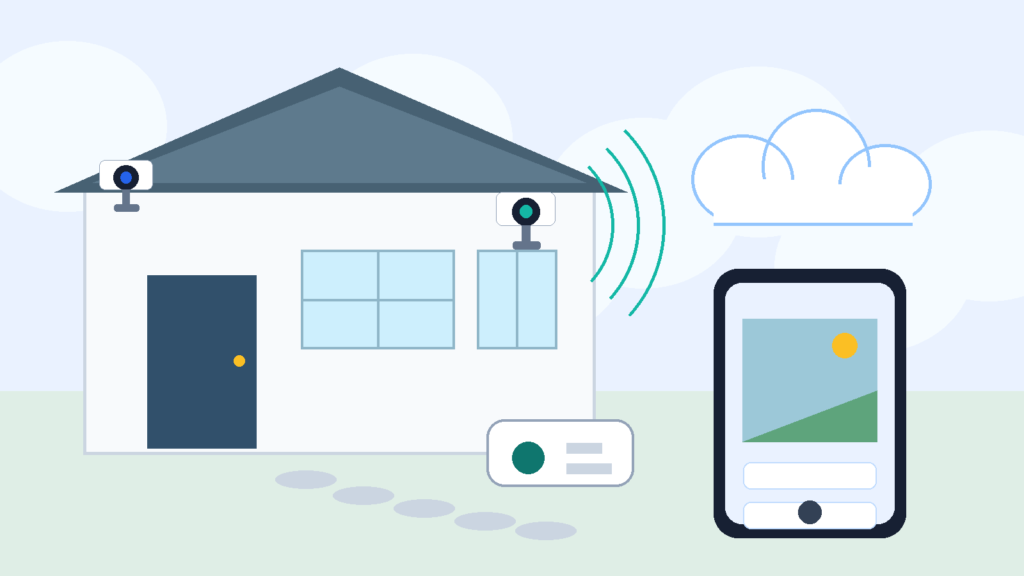
Subscription-free camera guide
Quick Answer: Yes, But Check What “Works” Means
A security camera without subscription can still be useful, but “works without a subscription” does not mean the same thing on every brand.
For many cameras, no-plan use still includes live view, motion alerts, two-way talk, and basic app access. That may be enough if you mainly want to check the driveway, see who is at the door, watch a pet room, or answer an alert while it is happening.
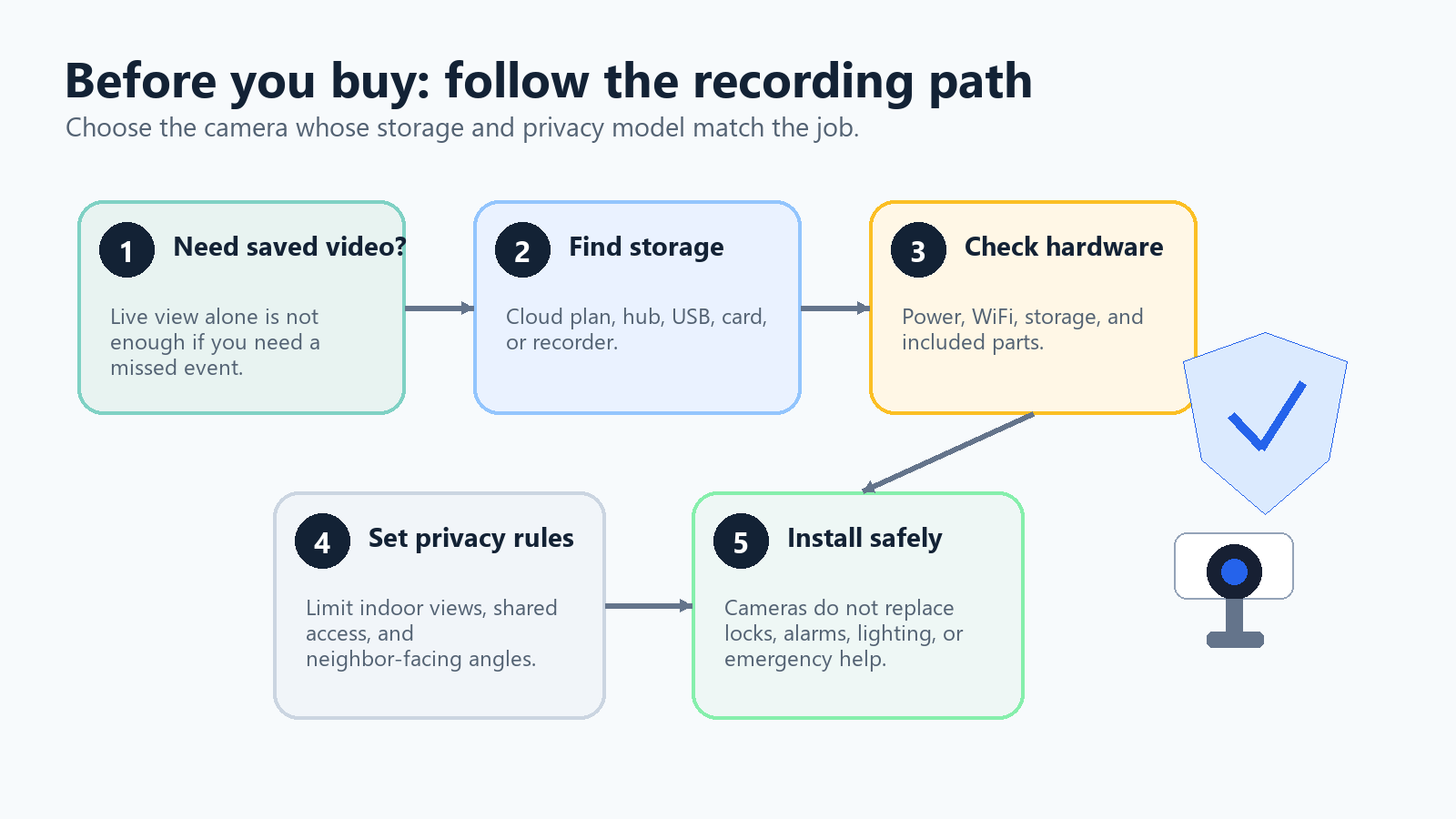
The catch is recorded history. If you miss the alert, some cameras will not let you review the clip unless you pay for a cloud plan. Other cameras can save clips locally, but only if you have the right storage device, hub, memory card, or base station configured before the event happens.
The cleanest shopping question: do you need proof after something happens, or do you mainly need live awareness?
What “Without Subscription” Usually Means
When a camera says it works without a subscription, it usually means the hardware does not become useless after the trial ends. The camera may still connect to WiFi, appear in the app, send basic alerts, and let you open a live feed.
That is different from saying every feature is free forever.
Live view
Opening the app and seeing what the camera sees right now.
Motion alerts
Getting a notification when the camera detects movement or another supported event.
Event recording
Saving a clip when motion, a person, a package, or another event is detected.
Video history
Reviewing, downloading, sharing, or searching saved recordings later.
The subscription line is usually between alerts/live view and saved video. Ring is the clearest example. Ring’s own support says Live View is available without a subscription, but recorded video review requires a Ring subscription. Ring also says that without a subscription, you can respond to alerts as they happen, but missed videos and photos are not saved for later review.
Blink is different, but still not automatic. Blink support says eligible cameras can use Local Storage with a compatible Sync Module and storage media. That means a no-subscription setup may be possible, but the camera, module, drive, WiFi network, and app setup all have to be right.
What Usually Still Works Without a Plan
Most current smart cameras do not become paperweights when you skip the subscription. Depending on the brand and model, you may still get live video in the app, basic motion notifications, two-way talk, manual siren or light controls on supported cameras, basic device settings, camera sharing, or voice assistant viewing on supported displays.
This is why subscription-free use can be fine for simple monitoring. If you work from home and want a driveway alert, a live view may be enough. If you want to check whether a delivery is on the porch right now, live view may be enough. If you want a pet-area camera and you mostly open it manually, a simple no-plan setup may be enough.
The practical gap: a camera that only gives live view may tell you that something happened, but it may not preserve the event for later.
What You Usually Lose Without a Subscription
Subscription plans vary by brand, but the common losses are easy to recognize.
- Cloud recording: with some brands, a no-plan camera can alert you and show a live view, but it will not save event clips.
- Longer video history: a plan may store clips for a set number of days. Without it, the camera may have no history or only local history if you configured storage.
- Richer alerts: person detection, package alerts, familiar face features, vehicle alerts, video descriptions, or snapshots in notifications can be subscription features.
- Cloud sharing and downloads: if the camera does not save clips, you cannot download or share missed-event video later.
- Continuous recording: continuous recording usually needs more power, more storage, stronger network performance, and often a paid plan or local recorder.
Ring, for example, says its 24/7 Recording requires an eligible camera, a Ring Protect subscription, and a 24/7 Recording add-on for each camera.
Local Storage vs Cloud Storage
Local storage and cloud storage solve the same problem in different ways: where the video goes after the camera records it.
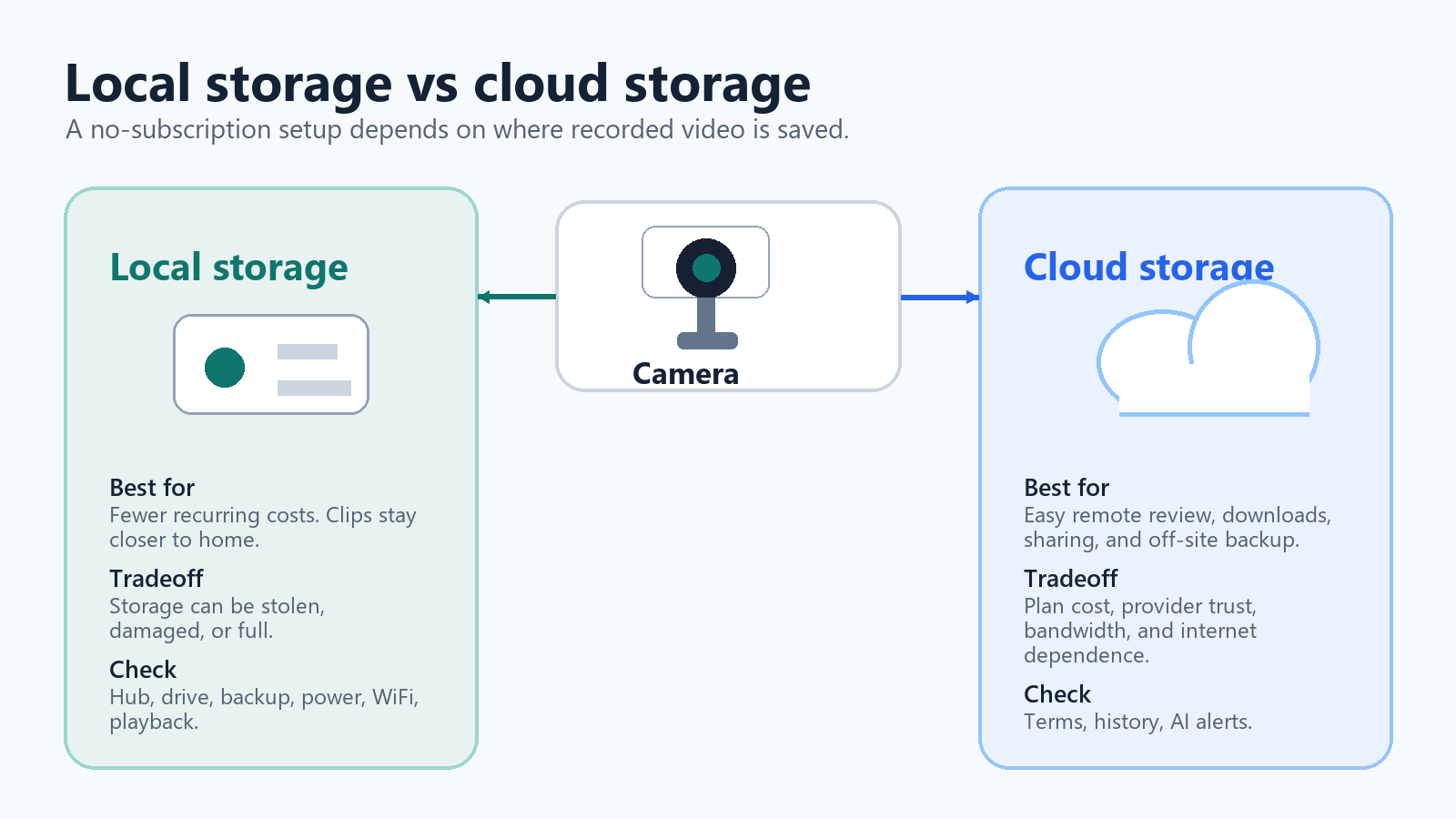
| Storage type | What it does well | What to watch |
|---|---|---|
| Cloud storage | Remote access, easy sharing, and the chance footage survives if the camera is stolen or damaged. | Ongoing plan cost, provider trust, account security, bandwidth use, and internet dependence. |
| Local storage | Fewer recurring fees, more control over where clips live, and possible local recording during some outages. | Storage hardware, theft or damage risk, storage limits, card/drive care, and sometimes slower remote access. |
The best answer is not universal. Local storage is attractive if you dislike monthly fees and want fewer cloud dependencies. Cloud storage is attractive if you want easy remote review, simple sharing, and footage that is less vulnerable to a stolen camera. A hybrid setup can make sense when you want local recording plus optional cloud backup for important areas.
Ring Cameras Without a Subscription
Ring is a good example of why the words “works without subscription” need careful reading.
Ring support says Live View is available without a subscription. That means a Ring camera or doorbell can still be useful for real-time checking. Ring also says you can respond to alerts as they happen without a subscription.
But Ring’s support pages and product pages are clear that recorded video review requires a Ring subscription. Without Ring Protect, missed videos and photos are not saved for later review, save, or share. That matters if you want a camera for after-the-fact evidence.
- Choose Ring without a plan if live view, real-time alerts, two-way talk, and ecosystem fit are enough.
- Budget for Ring Protect if recorded history, saved clips, advanced alerts, cloud review, or 24/7 recording are important.
- Do not buy a Ring camera expecting free missed-event recording unless Ring changes its official terms.
For a front door, the subscription question is even sharper. Doorbells are often used when nobody is home. If the whole point is seeing what happened after a missed delivery or overnight event, check the recording terms before buying.
Blink Cameras Without a Subscription
Blink can be a better fit for buyers who want local storage, but it is not as simple as “buy any Blink camera and skip the plan.”
Blink support says Local Storage is optional and depends on compatible hardware. Sync Module 2 uses a USB drive. Sync Module XR uses microSD. Blink lists Mini and Mini 2 among supported camera types in its local-storage support context, and its Sync Module 2 FAQ says eligible cameras can save motion clips to a USB flash drive when configured correctly.
The important caution is that the storage system matters. Blink says devices need always-on 2.4 GHz WiFi, compatible storage media, and the correct Sync Module setup. Blink also says that if the USB drive is removed, cameras can still show Live View, but clips save only when a recognized USB drive is present.
Privacy detail: Blink says local clips saved to USB are MP4 files and are not encrypted on the USB drive. Treat removable camera storage like sensitive household data.
Local-Storage-First Systems
A local-storage-first camera system is often the cleanest path for avoiding a recurring cloud plan. Instead of asking, “Which features survive after the trial?”, you start with a system designed to store clips on local hardware.
The aosu T2 Ultra system is one example verified for this article. The official aosu product page says the system includes built-in local storage, supports optional cloud backup, supports multiple cameras, and offers features such as multi-camera live view, footage search, detection features, two-way talk, snapshot notifications, Alexa/Google Assistant support, and family sharing.
That kind of system may be a better match if you want several outdoor cameras and you do not want each camera tied to a separate cloud-recording decision.
Still, local-first does not mean maintenance-free. Solar cameras need usable sunlight. Outdoor cameras need strong WiFi at the mounting location. Local hubs and drives need to stay powered, protected, and within network range. AI detection can reduce noise, but it will not be perfect.
Verified Cameras To Compare
The product cards below are included only because the product IDs, product data, affiliate links, product images, shortcode support, and source support were verified in the local AIHA files before drafting. These are comparison starting points, not ranked review picks.
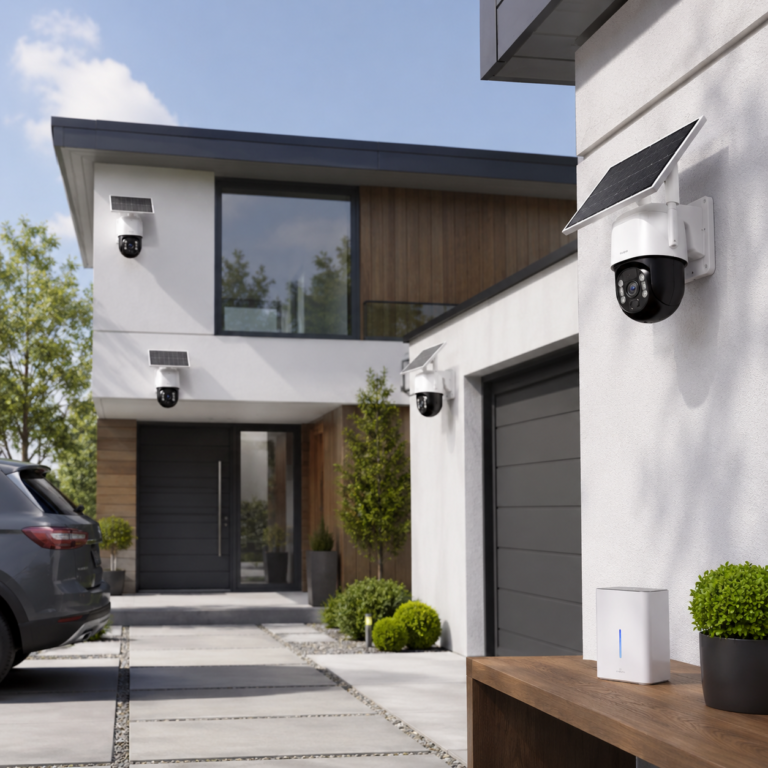
aosu T2 Ultra 4K Solar Security Camera System
A multi-camera outdoor system to compare if you want local storage first, optional cloud backup, and solar-powered placement.
- Good fit: Homeowners comparing subscription-light outdoor coverage for several sides of a property.
- Watch out for: Solar cameras still need enough light, stable network coverage, privacy-aware placement, and realistic expectations for AI recognition and alerts.
As an Amazon Associate I earn from qualifying purchases.
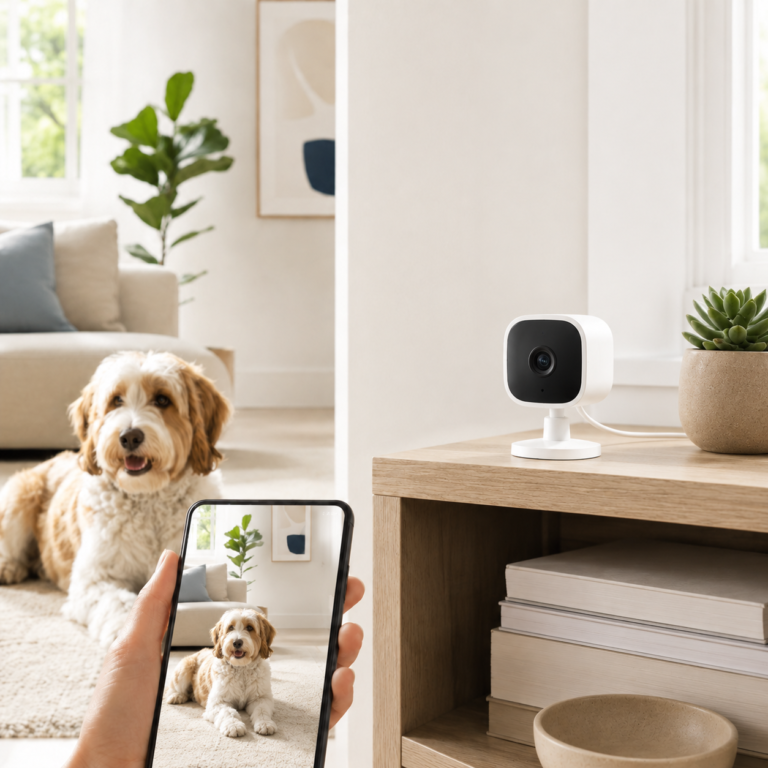
Blink Mini 2 Home Security and Pet Camera
A small plug-in camera to compare for an indoor room, pet area, doorway, or simple check-in spot when a fixed view is enough.
- Good fit: Blink and Alexa households that want a compact camera and are willing to check Sync Module and storage requirements before skipping a plan.
- Watch out for: Do not assume the camera alone gives local recording. Local clip storage requires compatible Blink hardware and storage media; some advanced features may need a subscription.
As an Amazon Associate I earn from qualifying purchases.
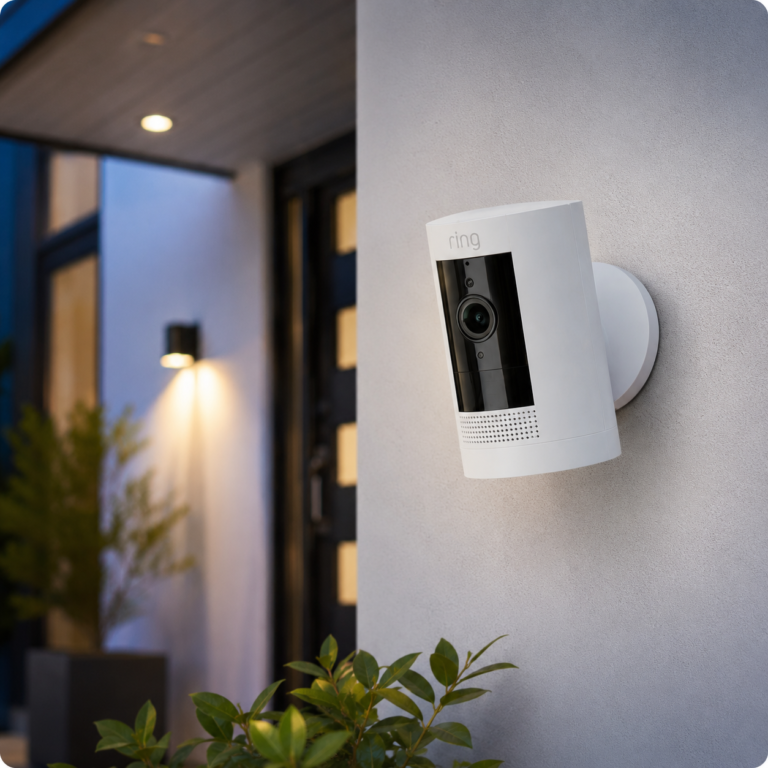
Ring Outdoor Cam
An outdoor Ring camera to compare if you already like the Ring app and are comfortable with its subscription tradeoffs.
- Good fit: Ring households that mainly want real-time outdoor alerts, Live View, Two-Way Talk, and Alexa compatibility, with the option to add recording through Ring Protect.
- Watch out for: Without Ring Protect, official Ring support says videos and photos are not saved, and missed events cannot be reviewed, saved, or shared.
As an Amazon Associate I earn from qualifying purchases.
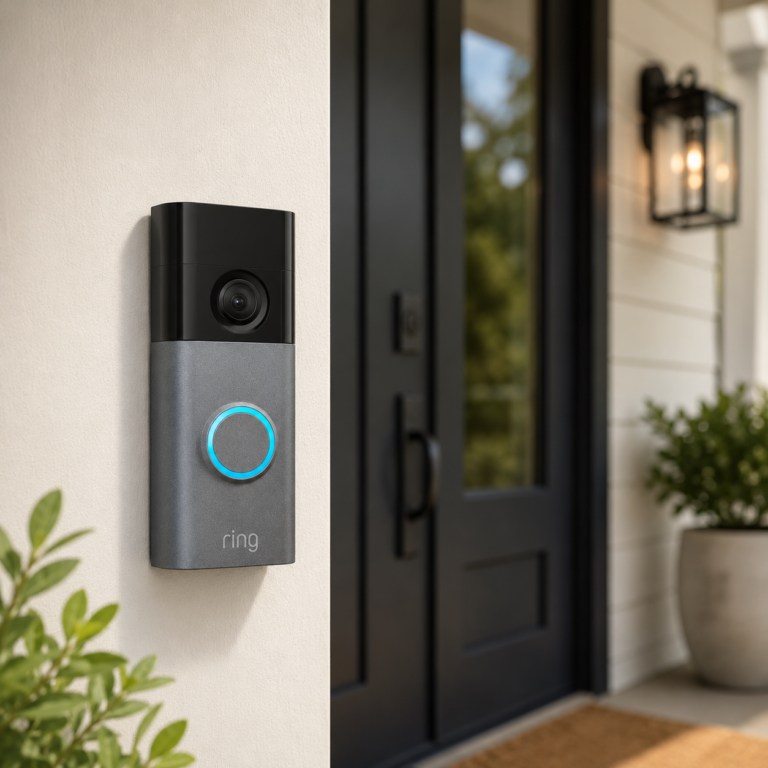
Ring Battery Doorbell Plus
A battery Ring doorbell to compare if you want front-door Live View and alerts but understand that recorded history and advanced alerts depend on Ring plan terms.
- Good fit: Front doors where a battery doorbell fits the frame, WiFi is strong, and the buyer already wants Ring and Alexa integration.
- Watch out for: Basic features work without a subscription, but Ring says video recording, person alerts, package alerts, and advanced features require a plan.
As an Amazon Associate I earn from qualifying purchases.
Buyer Checklist Before You Buy
Before you choose a security camera without subscription, check these items in order.
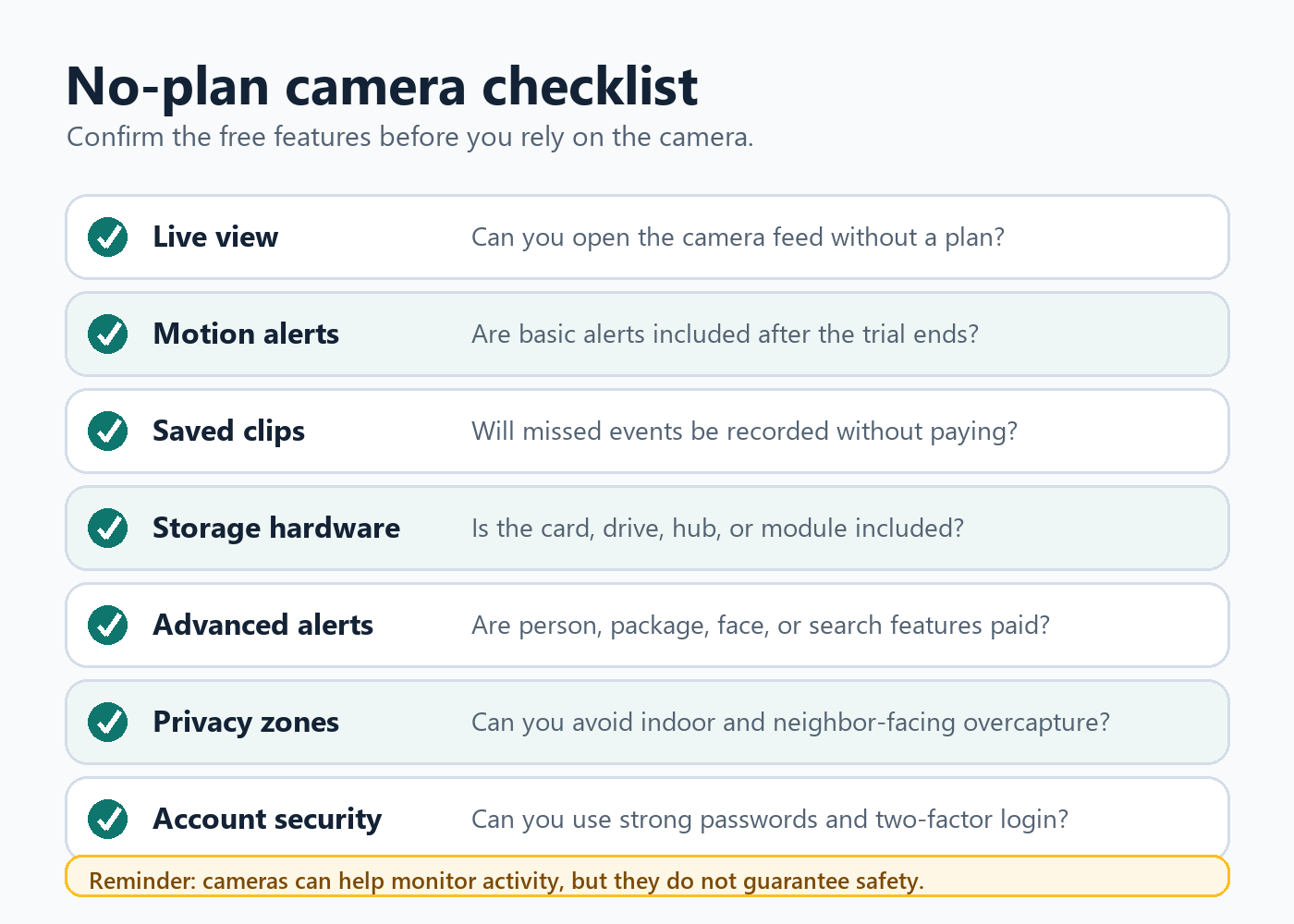
- Decide whether live view is enough. If you need to review missed events, confirm exactly where clips are saved.
- Identify the recording path: cloud, memory card, USB drive, hub, base station, NVR, or no recording without a plan.
- Check the feature list after the trial ends.
- Check WiFi and power at the actual mounting location.
- Use a strong unique password, two-factor authentication if available, app updates, and a secured home network.
- Use placement and privacy zones to avoid unnecessary indoor or neighbor-facing capture.
- Consider what happens if the camera, hub, or storage is stolen.
Privacy Notes For Indoor, Neighbor-Facing, And Shared-Home Cameras
Indoor cameras deserve stricter rules than outdoor cameras. Avoid private spaces such as bedrooms, bathrooms, guest rooms, and changing areas. In shared homes, tell people where cameras are, what they record, who can view them, and how recordings are stored.
For pet cams and indoor check-in cameras, use the narrowest useful angle. Do not leave indoor cameras active in spaces where visitors, roommates, children, caregivers, or family members reasonably expect privacy.
For neighbor-facing cameras, avoid angles that look into windows, yards, patios, or other private spaces. If the app supports privacy zones, use them. If local laws or HOA rules apply, check them before mounting.
For shared accounts, review who has access. Remove old shared users. Use permission levels if the app offers them. Do not casually share livestream access with people who do not need it.
For local storage, treat the card, USB drive, or hub like sensitive data. If it is removable and unencrypted, anyone who gets the storage device may be able to view the files.
Safety Notes: What Cameras Do Not Replace
A camera can help you monitor an area and document activity. It cannot guarantee safety.
Do not use a security camera as a replacement for locks, exterior lighting, alarms, smoke or carbon monoxide alarms, emergency services, professional monitoring where needed, safe electrical work, or safe ladder and mounting practices.
A camera also does not make a risky installation safe. If a mount requires high ladder work, exterior wiring, drilling near electrical lines, or placement where the camera could fall, use appropriate help.
For safety-critical situations, use purpose-built systems. A consumer security camera is not a medical monitor, fire alarm, child-safety system, or emergency response service.
Who Should Choose No Subscription?
Better fit
- You mainly need live view and basic alerts.
- You prefer local storage and can manage the hardware.
- You want to avoid recurring cloud fees.
- You understand that advanced AI alerts and cloud history may be limited.
Weaker fit
- You need reliable missed-event review with minimal setup.
- You want easy sharing and downloads from anywhere.
- You need cloud backup if the camera or local storage is stolen.
- You do not want to maintain storage hardware.
FAQ
Do security cameras work without a subscription?
Many do, but what works depends on the brand. Live view, basic alerts, two-way talk, and device settings often still work. Recorded history, advanced alerts, cloud review, and continuous recording are more likely to require a plan or local storage hardware.
Can a security camera record without a subscription?
Yes, but only if the camera supports local recording or another no-plan recording method. Some cameras save to microSD cards, USB drives, hubs, base stations, NVRs, or built-in storage. Others require a paid plan for recorded clips.
Do Ring cameras record without a subscription?
Ring says Live View is available without a subscription, but reviewing recorded video requires a Ring subscription. Without Ring Protect, Ring says users can view real-time video and respond to alerts, but missed videos and photos are not saved for later review, save, or share.
Can Blink cameras work without a subscription?
Blink cameras can work without a subscription, but local recording depends on compatible hardware and setup. Blink support says eligible cameras can use Local Storage with Sync Module 2 and a USB drive, or Sync Module XR and microSD, depending on the system.
Is local storage better than cloud storage?
It depends. Local storage can reduce recurring fees and keep footage closer to home. Cloud storage can make remote review easier and may preserve footage if the camera is stolen or destroyed. Local storage needs hardware protection and maintenance; cloud storage needs provider trust and strong account security.
Do cameras record if WiFi goes out?
Do not assume they do. Some local-storage systems may continue saving locally if power and storage are still available, but remote viewing, alerts, app access, and cloud recording usually depend on WiFi and internet. Check the exact product’s outage behavior before relying on it.
Is a no-subscription camera safer for privacy?
Not automatically. Local storage can reduce cloud exposure, but the camera, app, account, network, storage device, and placement still need to be secured. Indoor cameras and shared access require extra care.
Sources
Official product and support sources used for product and capability claims: Ring Protect subscriptions, Ring Live View, Ring 24/7 Recording, Ring Outdoor Cam, Ring Battery Doorbell Plus, Blink Local Storage with Sync Module, Blink Sync Module 2 FAQ, and aosu SolarCam T2 Ultra System.
Independent sources used for buyer cautions, privacy, and storage tradeoffs: WIRED cloud vs local security camera storage, FTC home security camera advice, FTC TRENDnet camera-security case, Homebuilding camera placement advice, and Homebuilding video doorbell subscription advice.